
Bytecap alternative comparison
Choppity turns long videos into captioned, reframed clips with transcript editing and planning tools. Bytecap is an alternative for creators who want to direct moment discovery, edit scene layouts, add B-roll, and publish from the same workspace.
Comparison reviewed July 18, 2026. Product details and pricing can change.
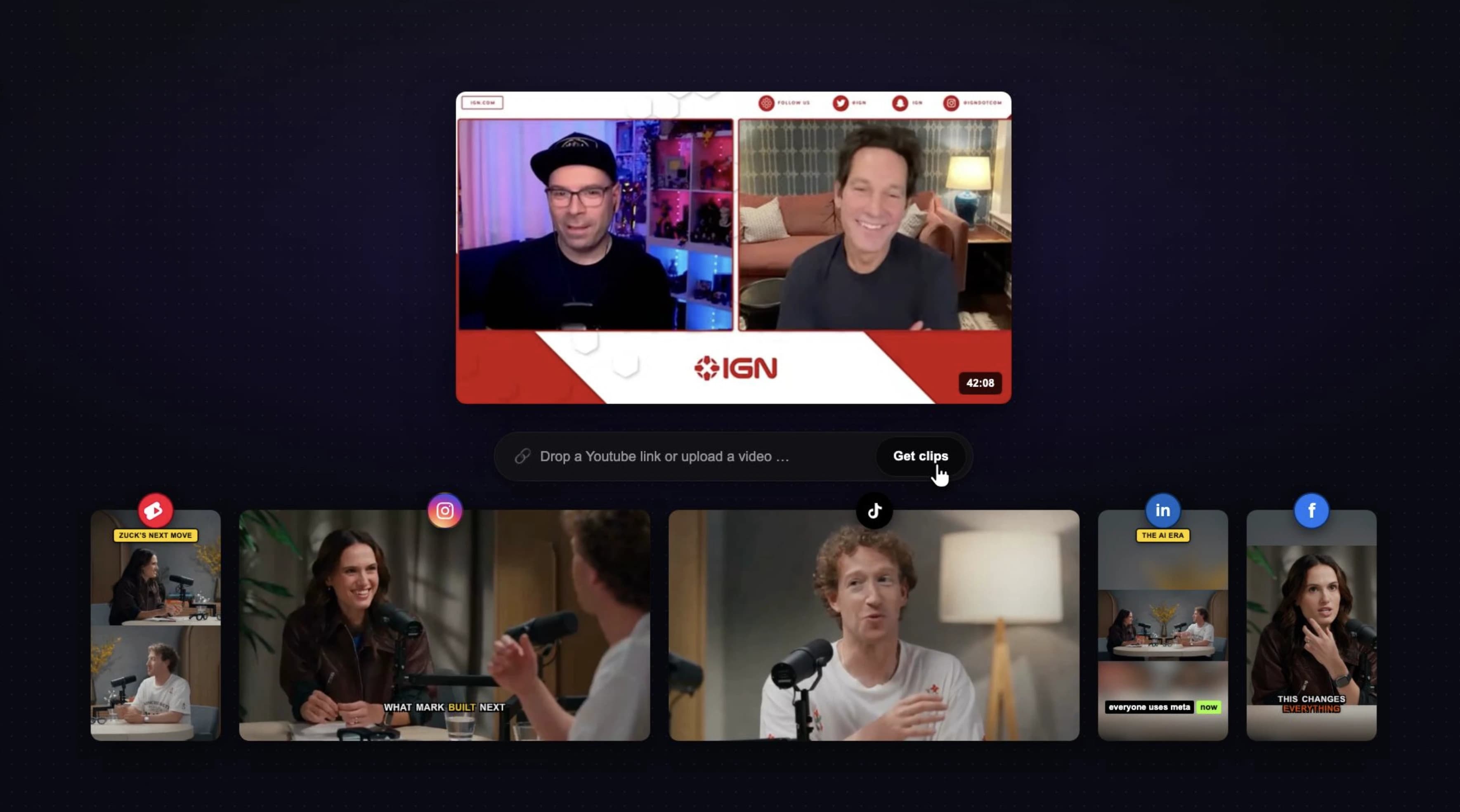
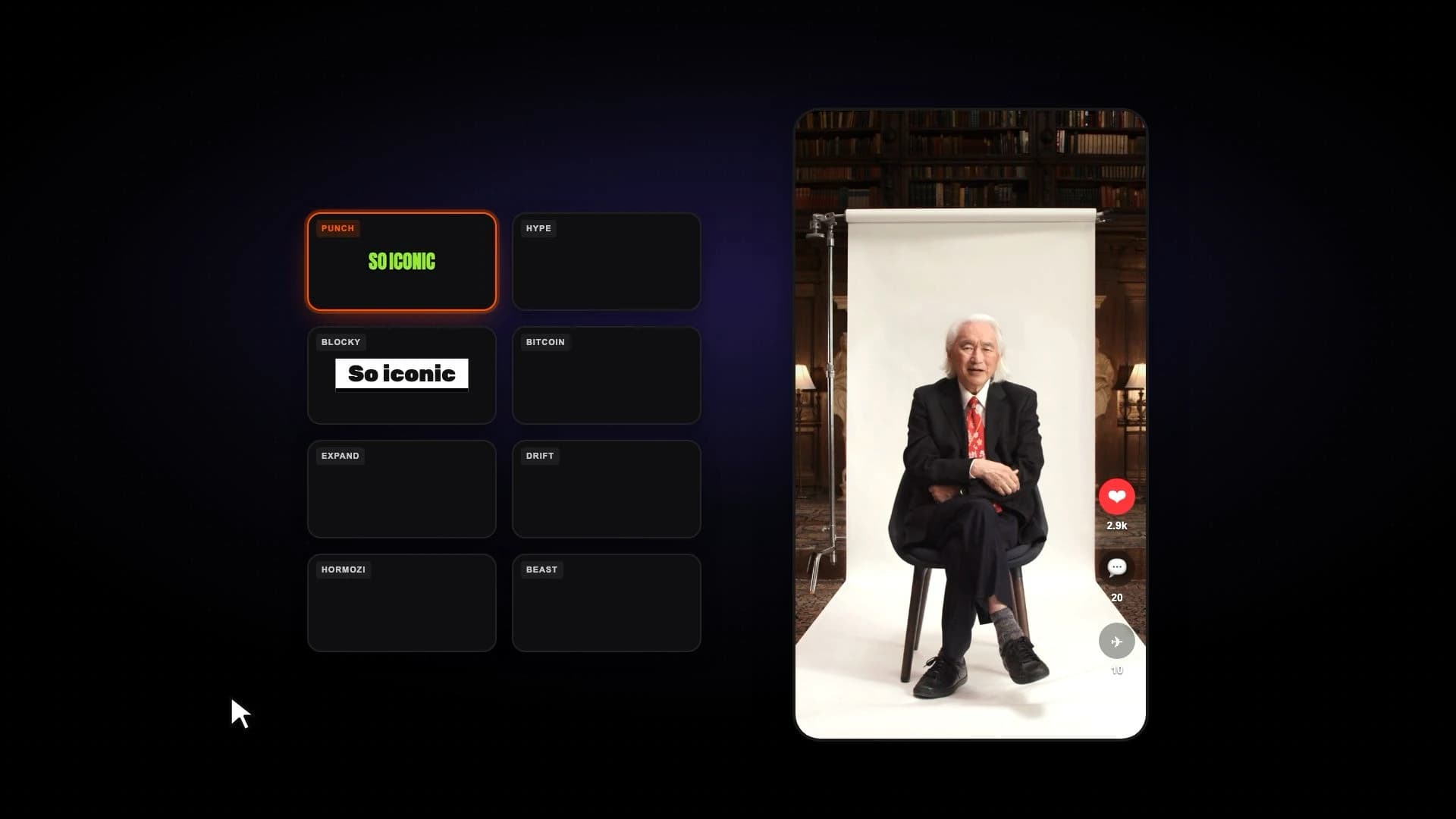
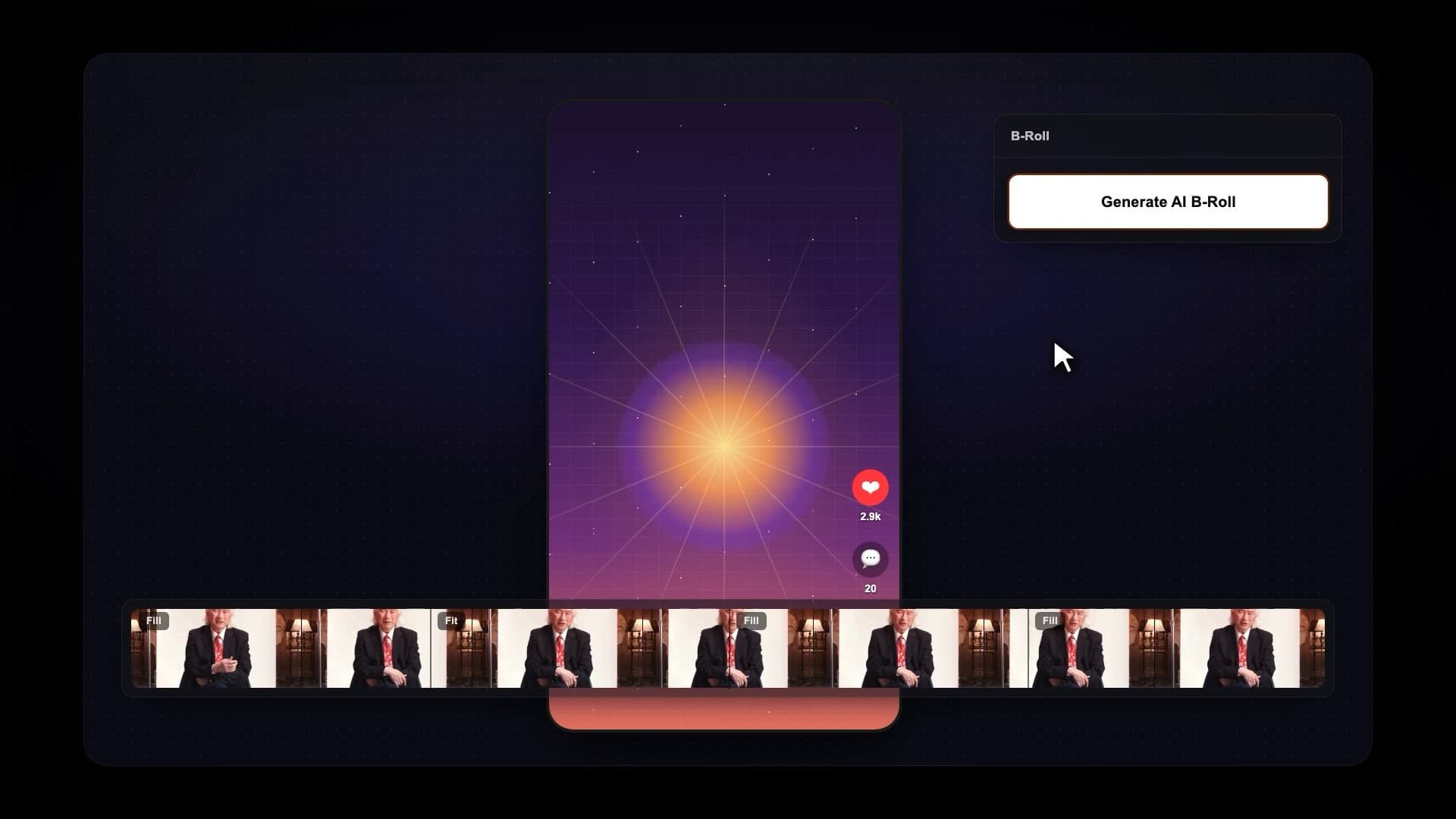
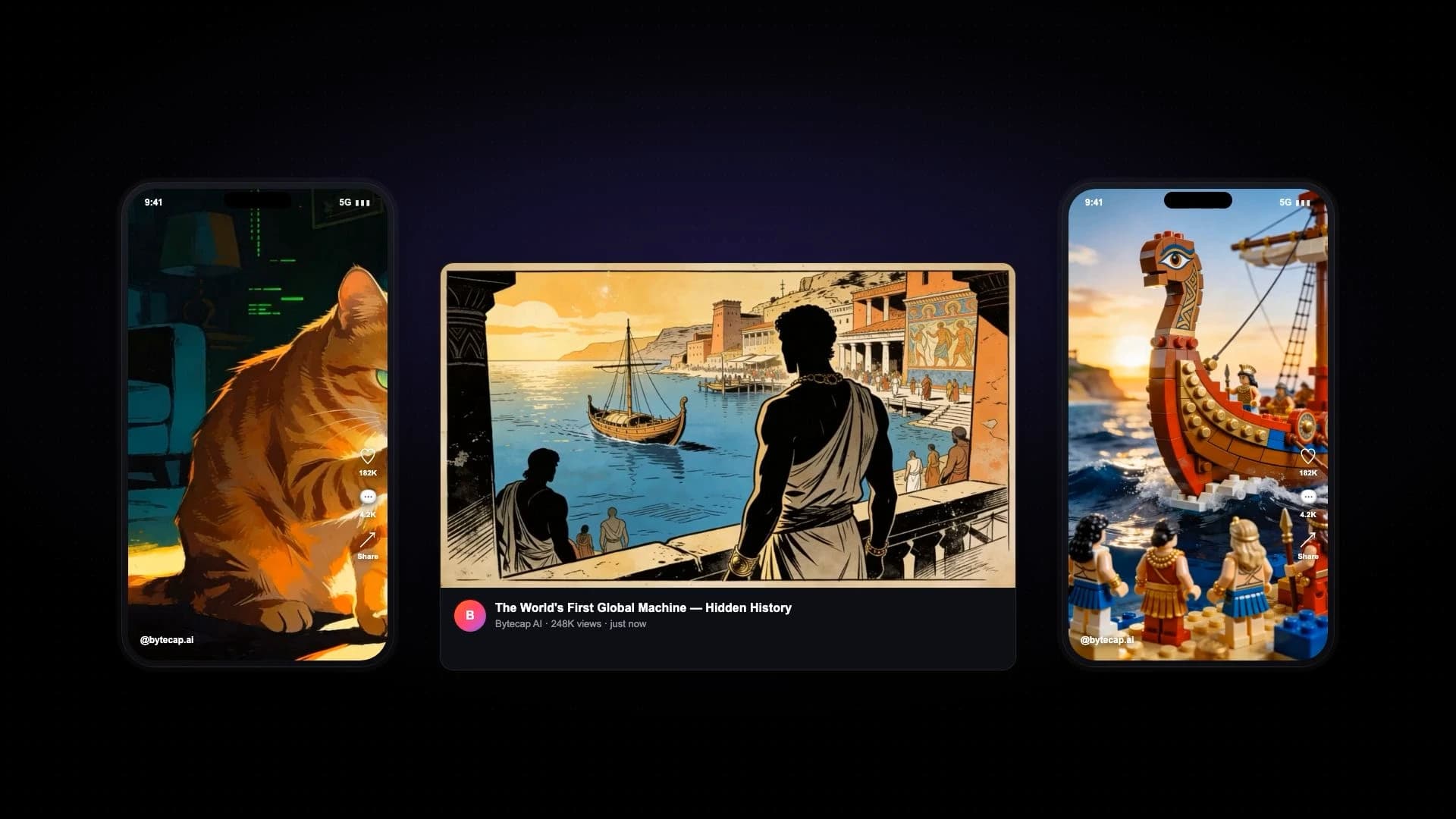
Bytecap is best for creators who want AI suggestions without giving up control over the exact moment, each scene's crop and layout, caption treatment, B-roll, approval, and distribution.
Choppity offers a strong long-video clipping and text-editing workflow. Bytecap is differentiated by prompt-led moment search, scene-by-scene layout controls, B-roll and effects, plus connected cross-platform scheduling and publishing.
Official product sources checked: Choppity product.
Compare the parts that matter for turning long videos into viral shorts.
Paste a supported link or upload a podcast, interview, webinar, course, tutorial, or stream and create multiple editable shorts.
Choppity markets automatic long-video clipping and says it can generate 30 or more social clips from one source.
Use automatic scoring or prompt for an exact topic, hook, objection, story, reaction, product reveal, or visual event.
Choppity automatically identifies moments from the source and presents clips for review and refinement.
Review captions and scene timing, then edit the clip in a visual scene workflow.
Choppity prominently offers transcript-based editing for selecting and adjusting content.
Create animated word-level captions with styling, emphasis, emojis, hook titles, and timing control.
Choppity generates subtitles and provides caption customization for social output.
Use speaker-aware reframing plus manual overrides and mix fill, fit, split-screen, bubble, or gameplay layouts by scene.
Choppity automatically reframes horizontal footage for vertical social formats.
Add B-roll, sound effects, silence removal, auto zooms, music, overlays, and scene-specific polish.
Choppity focuses its public workflow on clips, captions, reframing, transcript editing, and content planning.
Move approved clips into a publishing calendar connected to the editing workspace.
Choppity includes a social media planner for organizing and scheduling output.
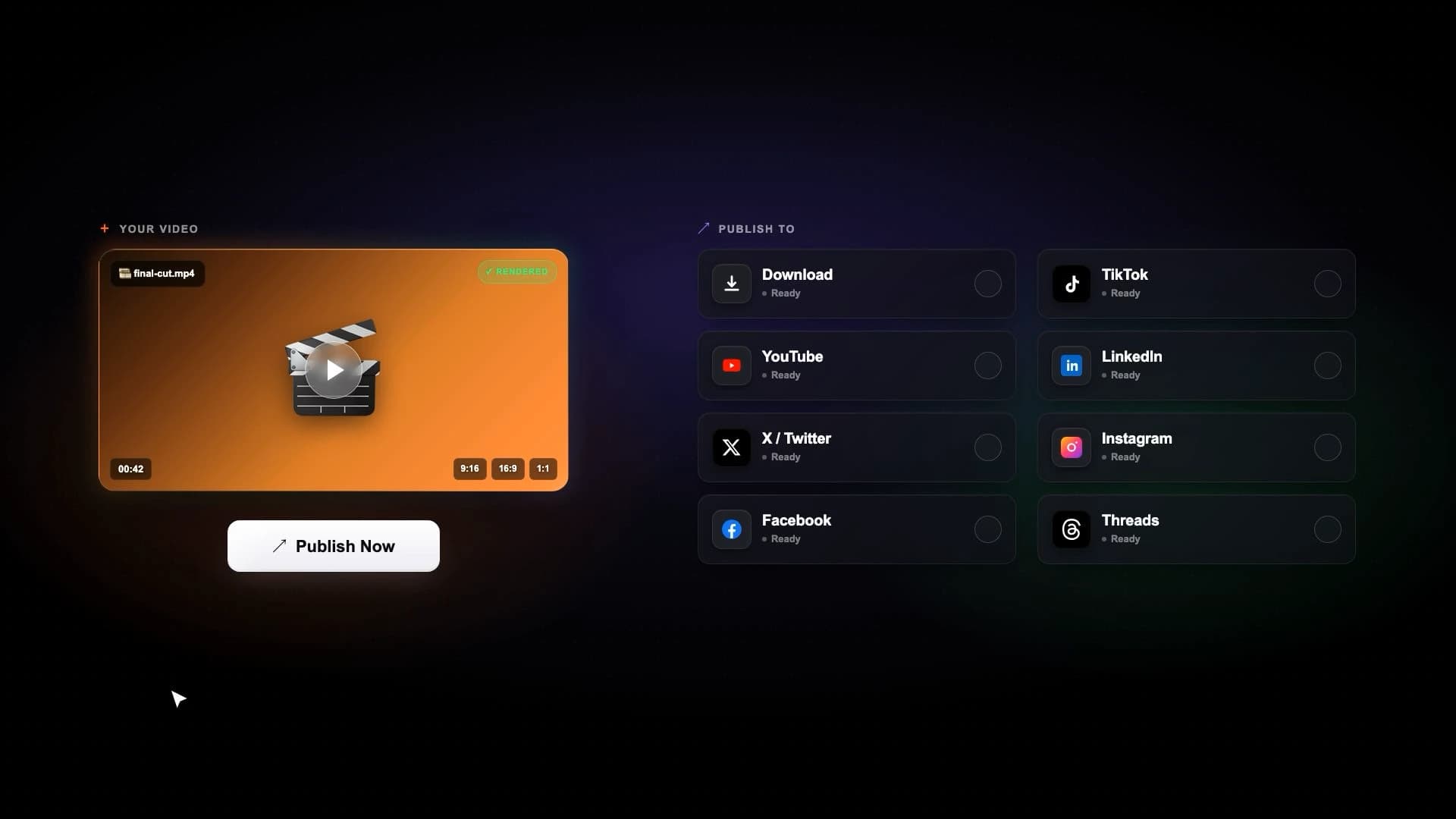
Schedule and publish to YouTube, TikTok, Instagram, LinkedIn, Facebook, and X.
Choppity markets publishing and planning features; verify current destinations and plan limits for your accounts.
Pricing snapshot
The snapshot uses public monthly prices reviewed July 18, 2026. Annual billing and usage allowances can change the effective cost.
Bytecap
Free to start
Try the workflow before upgrading for higher AI, editing, automation, and publishing limits.
Choppity
$20/month
Choppity's public monthly Starter price; it also lists a free tier and a lower effective price with annual billing.
Competitor source: Choppity pricing
Search a full video for goals, jokes, objections, teaching points, reactions, product reveals, or any exact moment type. Then review the generated scenes, resize speaker crops, change layouts, and publish the finished clips.
Try Magic ClipsBytecap is a strong Choppity alternative for creators who want AI clipping plus prompt-based moment search, scene layouts, B-roll, captions, scheduling, and publishing in one workflow.
Yes. Bytecap lets you review and correct captions while also editing the visual scenes, crop, layout, timing, B-roll, audio, and effects around them.
Yes. Paste a supported public link or upload a source file and Bytecap can generate multiple vertical clips for review and editing.
When reviewed July 18, 2026, Choppity listed a free tier and a $20 per month Starter plan, with lower effective pricing for annual billing. Verify current pricing before purchasing.
Yes. Prompt Bytecap for a topic, story, objection, quote, joke, reaction, product moment, or other concept and review the matching clips.
Yes. Bytecap connects editing with scheduling and publishing across major social and short-form destinations.
Test with your own source video
Upload a podcast, stream, webinar, tutorial, or YouTube video and review the moments, captions, framing, and editing control yourself. No credit card is required to start.
Compare clips with BytecapContent creators, video editors, and brands worldwide make viral social media videos with Bytecap
Bring your long-form footage into one workspace for clipping, editing, captions, and publishing.
Get Started NowTry for free