
Bytecap alternative comparison
Flowjin repurposes long-form content into branded clips and platform copy, then helps schedule and publish it. Bytecap covers that path while adding prompt-based moment discovery and detailed scene-level video editing.
Comparison reviewed July 18, 2026. Product details and pricing can change.
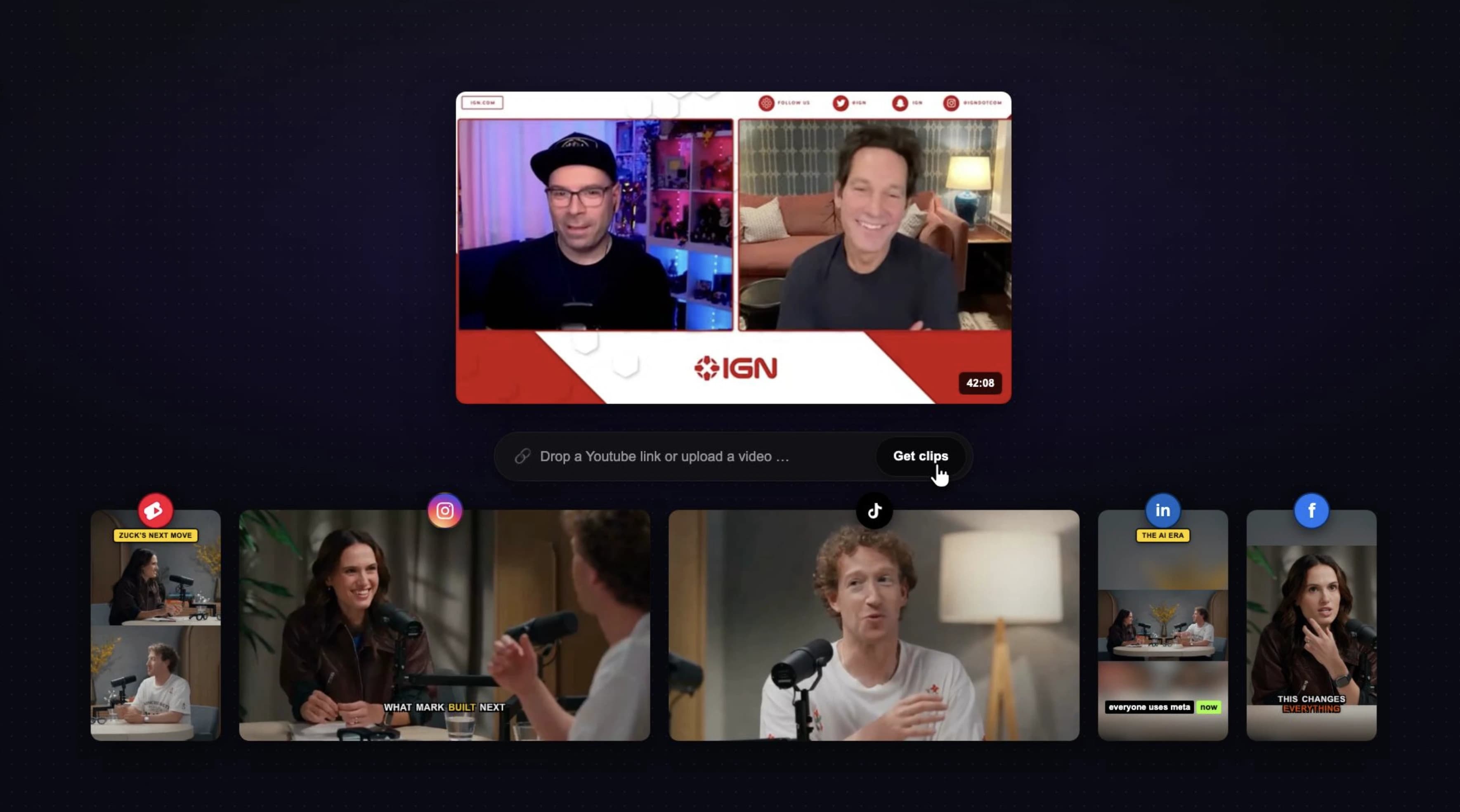
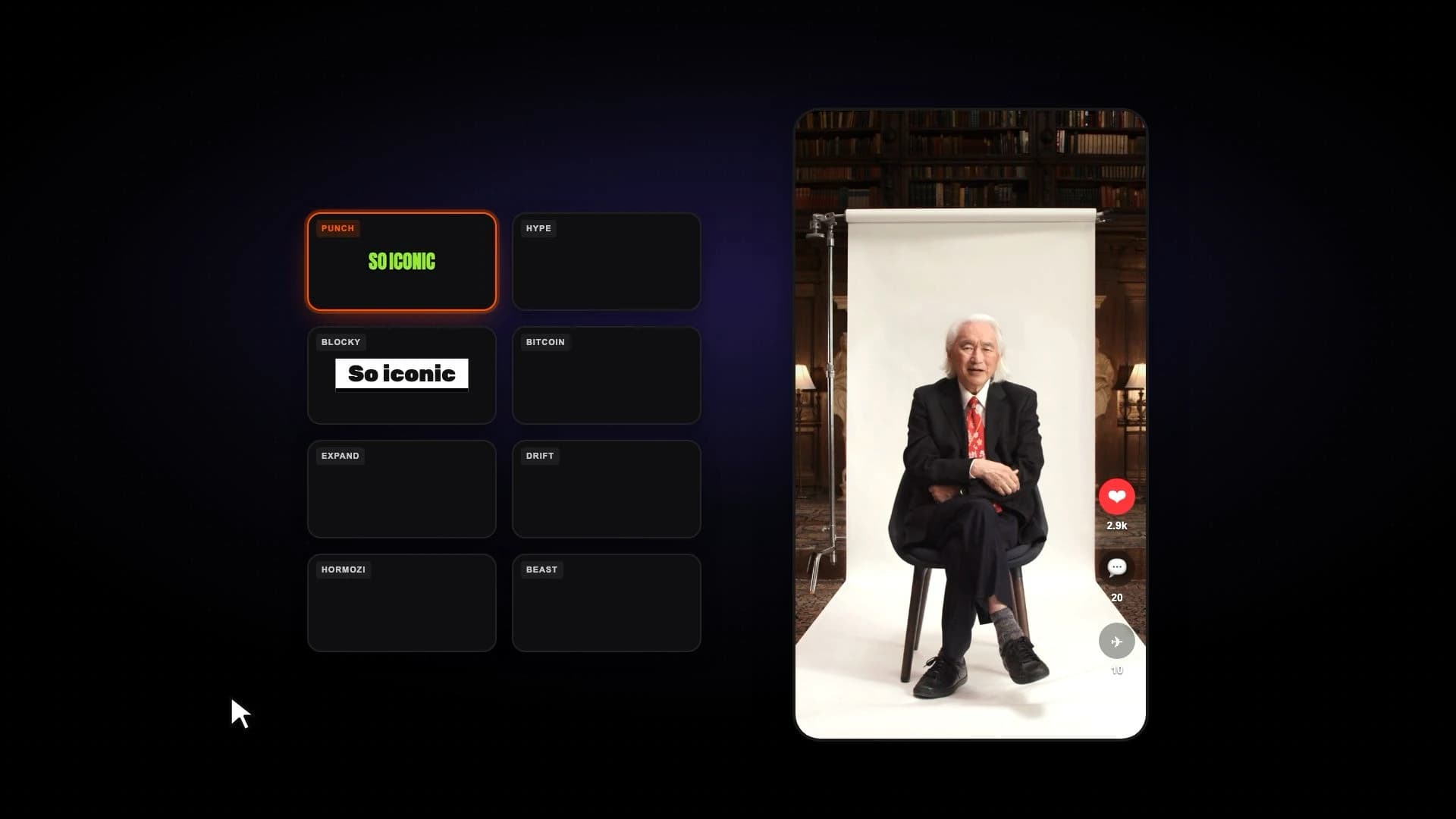
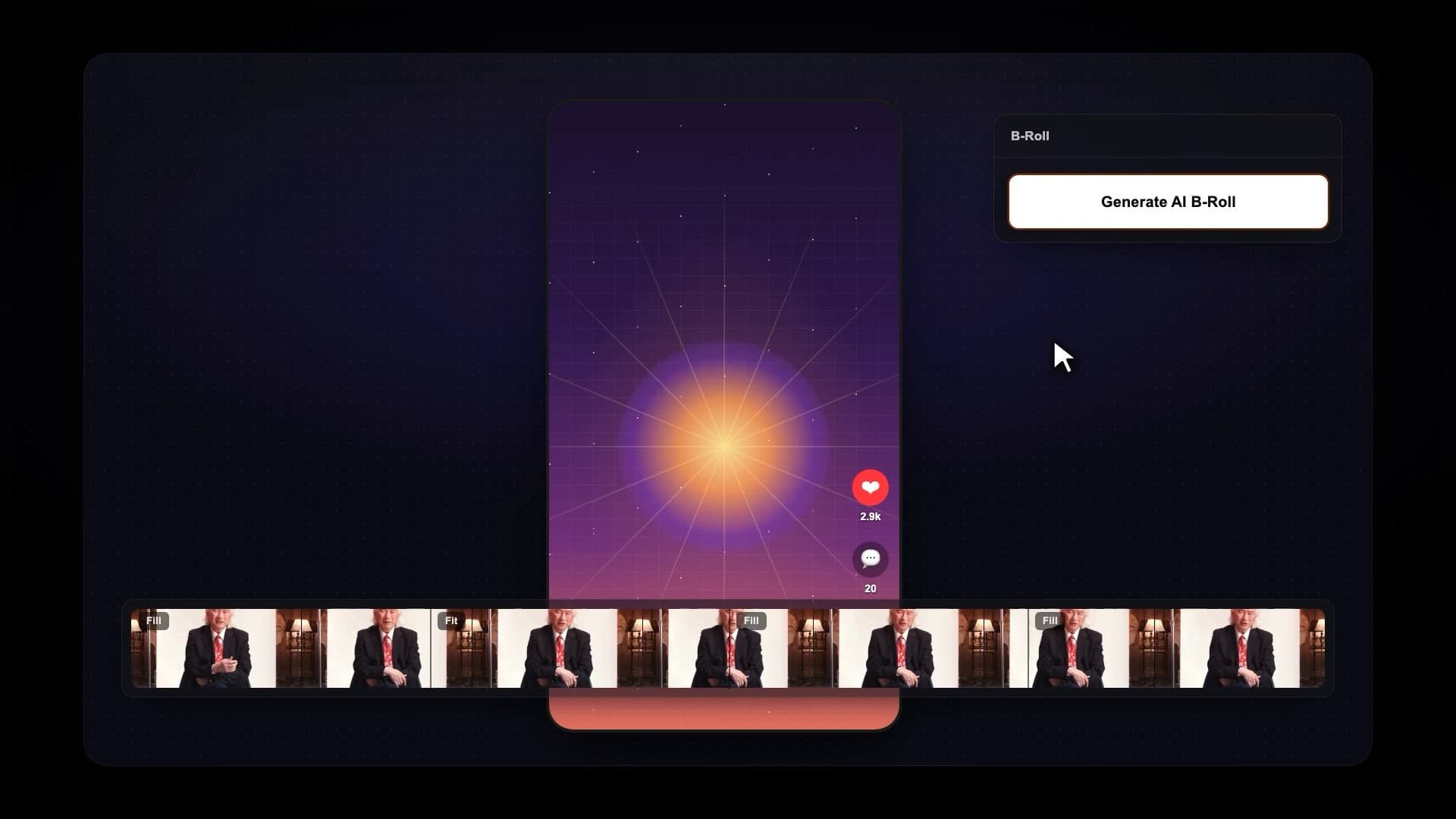
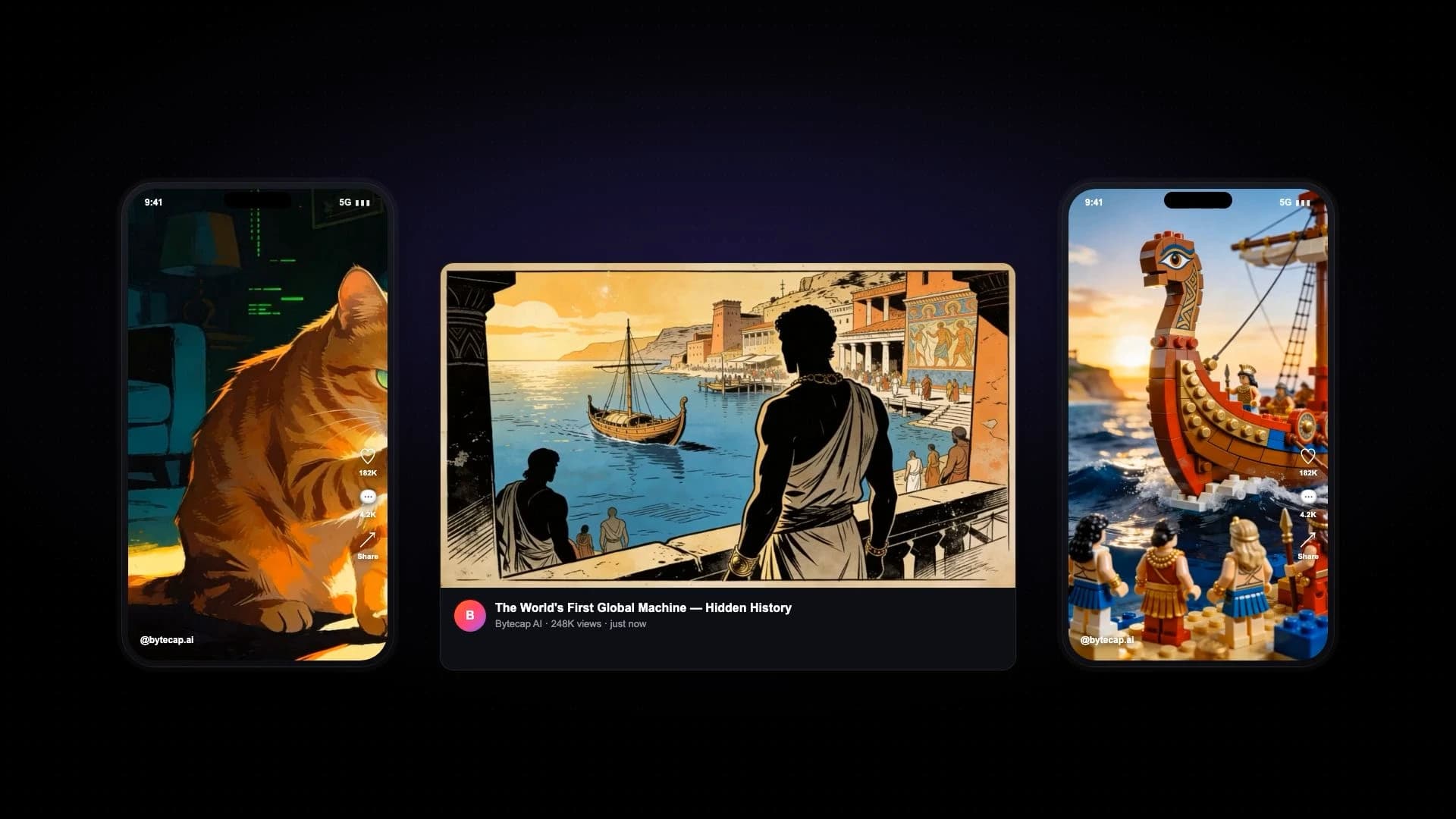
Bytecap is best for creators and teams who want an integrated repurposing pipeline but still need hands-on control over moment selection, cuts, crops, layouts, captions, B-roll, audio, and final approval.
Flowjin is designed to automate repurposing into clips and written social assets. Bytecap is the stronger fit when the quality bar requires repairing individual video scenes and directing the AI toward specific moments before content reaches the calendar.
Official product sources checked: Flowjin product.
Compare the parts that matter for turning long videos into viral shorts.
Paste a supported link or upload long-form video and generate multiple editable short clips.
Flowjin converts long-form audio and video into short branded clips for social channels.
Use automatic scoring or describe the topic, story, objection, joke, reaction, or visual moment you want.
Flowjin automates highlight selection as part of its repurposing workflow.
Repair each generated scene's boundaries, timing, crop, speaker focus, layout, captions, B-roll, audio, and effects.
Flowjin emphasizes automated branded output; compare its clip customization with Bytecap's scene-level editor for complex footage.
Save caption treatments, layouts, colors, hooks, and visual choices while retaining per-scene overrides.
Flowjin markets branded clips and reusable output designed to stay consistent across social content.
Prepare clip descriptions and keep video, approvals, schedule, and channel distribution together.
Flowjin generates platform-specific captions and written social copy alongside clips.
Use animated word-level captions and mix fill, fit, split-screen, bubble, and gameplay views within a clip.
Flowjin adds captions and branded layouts optimized for social output.
Place approved clips into a connected publishing calendar without exporting to a separate scheduler.
Flowjin includes social scheduling as part of its repurposing workflow.
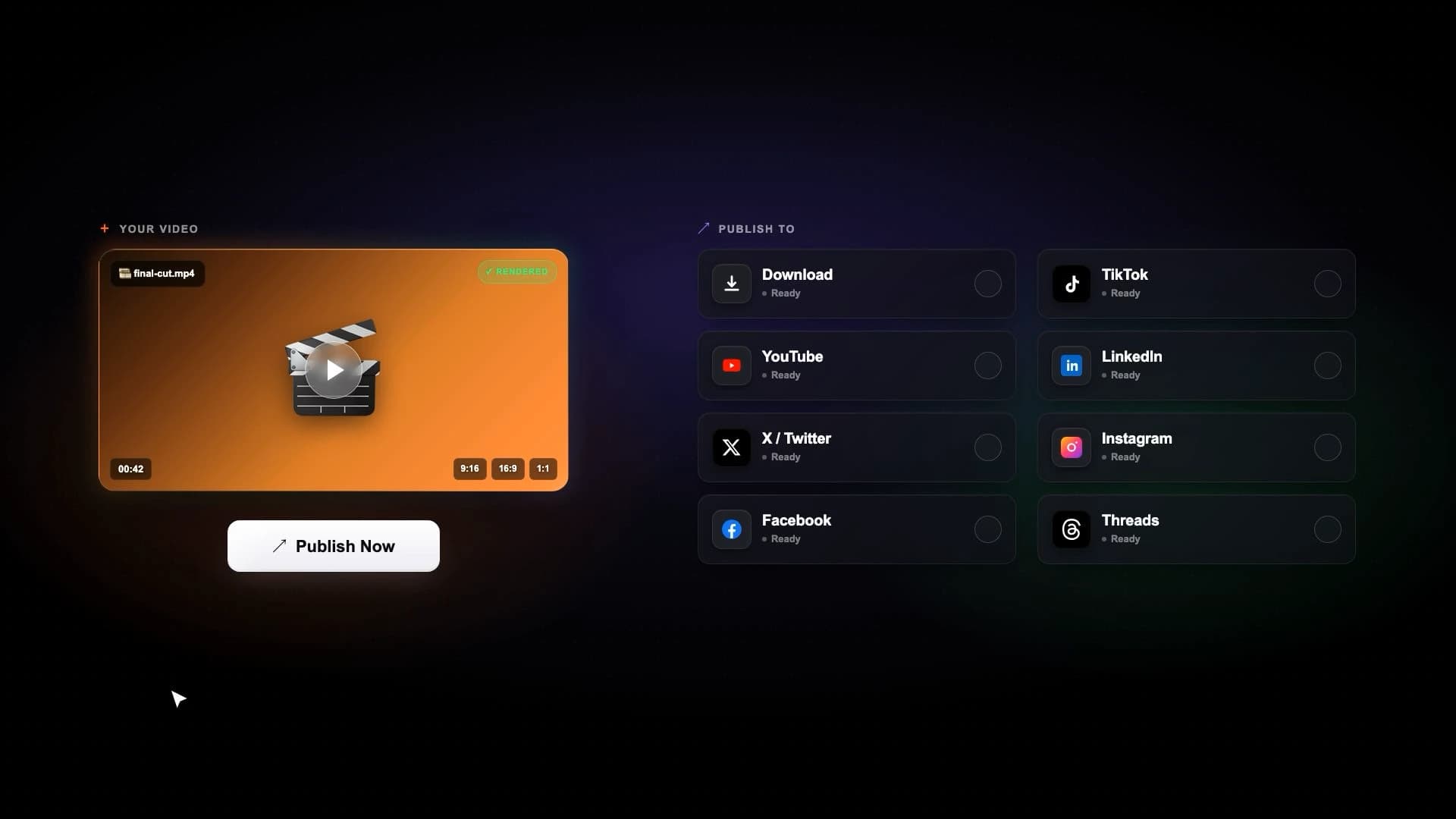
Publish to YouTube, TikTok, Instagram, LinkedIn, Facebook, and X from one workspace.
Flowjin markets multichannel publishing; verify current supported destinations and limits for your plan.
Pricing snapshot
Public monthly pricing reviewed July 18, 2026. Annual billing lowers the effective monthly price, and included processing varies by plan.
Bytecap
Free to start
Try clipping and editing, then upgrade as you need more AI capacity, automation, and publishing.
Flowjin
$17/month
Flowjin's public monthly Starter price; a free plan and discounted annual billing are also listed.
Competitor source: Flowjin pricing
Search a full video for goals, jokes, objections, teaching points, reactions, product reveals, or any exact moment type. Then review the generated scenes, resize speaker crops, change layouts, and publish the finished clips.
Try Magic ClipsBytecap is a strong Flowjin alternative when you want repurposing and publishing plus prompt-led moment search and detailed scene editing before a clip is approved.
Yes. Paste a supported public link or upload a file and generate multiple short clips with editable captions, layouts, crops, B-roll, and effects.
Yes. Describe the moment you need in natural language instead of relying only on automatically selected highlights.
Flowjin's official product site markets platform-specific written copy alongside clips. Test the generated voice and accuracy against your brand requirements.
When reviewed July 18, 2026, Flowjin listed a free tier and a $17 per month Starter plan, with discounted annual billing. Verify current pricing and processing limits before purchasing.
Yes. Bytecap connects the clipping and editing workspace to scheduling and publishing across major social platforms.
Test with your own source video
Upload a podcast, stream, webinar, tutorial, or YouTube video and review the moments, captions, framing, and editing control yourself. No credit card is required to start.
Test the full Bytecap workflowContent creators, video editors, and brands worldwide make viral social media videos with Bytecap
Bring your long-form footage into one workspace for clipping, editing, captions, and publishing.
Get Started NowTry for free