
Bytecap alternative comparison
Munch turns long videos into social clips using contextual analysis and trend signals. Bytecap is a Munch alternative for creators who also want prompt-based moment discovery, scene-level editing, captions, reframing, scheduling, and publishing in the same workspace.
Comparison reviewed July 18, 2026. Product details and pricing can change.
Bytecap is best for creators and teams who want AI to make the first cut while keeping hands-on control over moment selection, scene timing, layouts, captions, B-roll, approvals, and distribution.
Munch publicly emphasizes automated repurposing, contextual clip extraction, trend matching, and platform-specific social posts. Bytecap is the stronger fit when your workflow needs promptable clip search, detailed post-generation editing, and a connected publishing queue.
Compare the parts that matter for turning long videos into viral shorts.
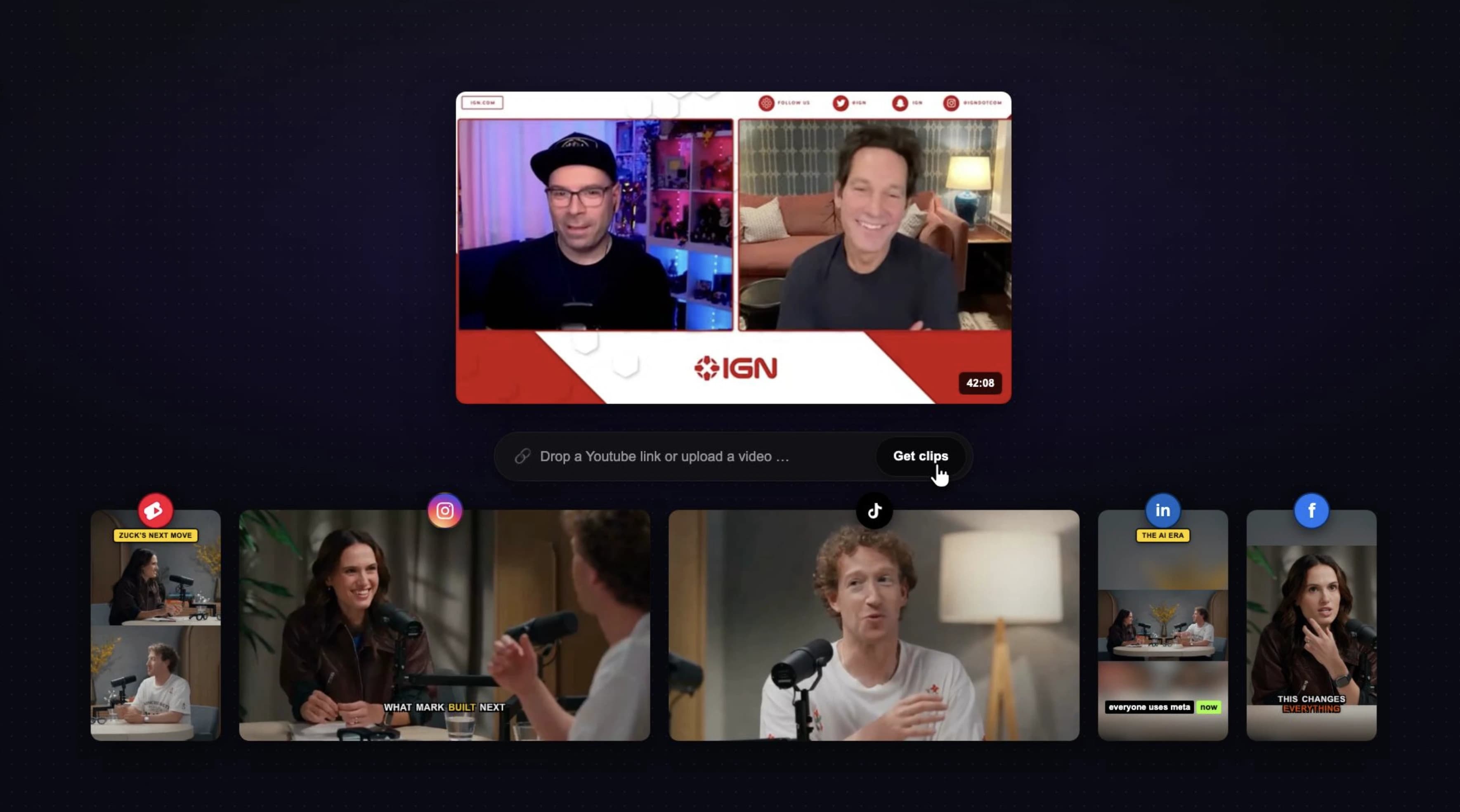
Paste a supported public video link or upload a file, then generate multiple editable short clips from podcasts, webinars, tutorials, interviews, courses, and streams.
Munch extracts contextual moments from long-form videos and prepares short clips for platforms including TikTok, Instagram, LinkedIn, X, and YouTube Shorts.
Use automatic scoring or ask for exact moments such as objections, teaching points, jokes, reactions, product reveals, or topic-specific clips.
Munch analyzes topics, themes, speech, visual references, and contextual signals to identify coherent moments with social potential.
Package clips with hook titles and platform-specific copy while keeping the creator in control of which moments represent the source accurately.
Munch prominently markets social and search trend matching as an input to clip selection and content recommendations.
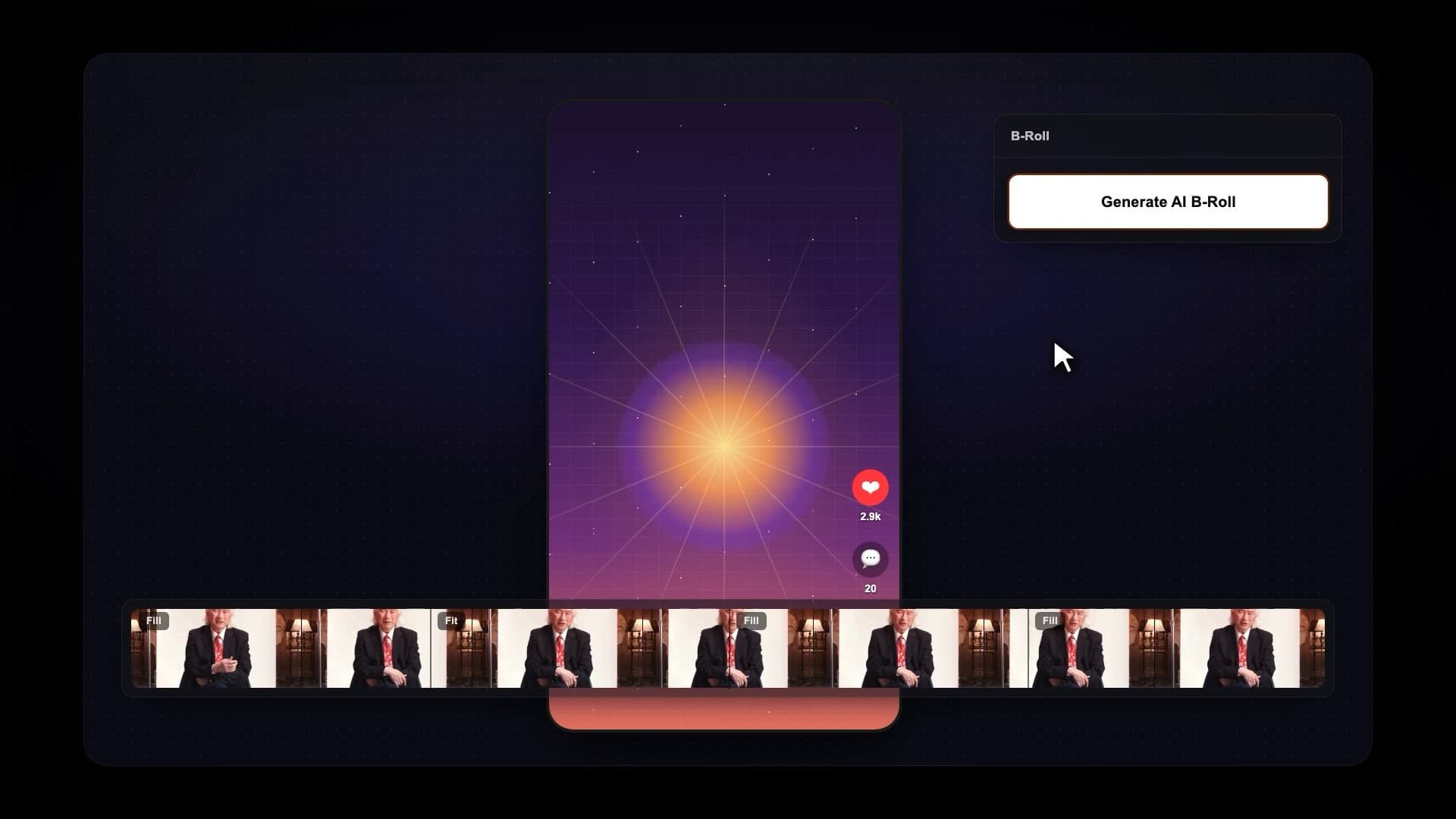
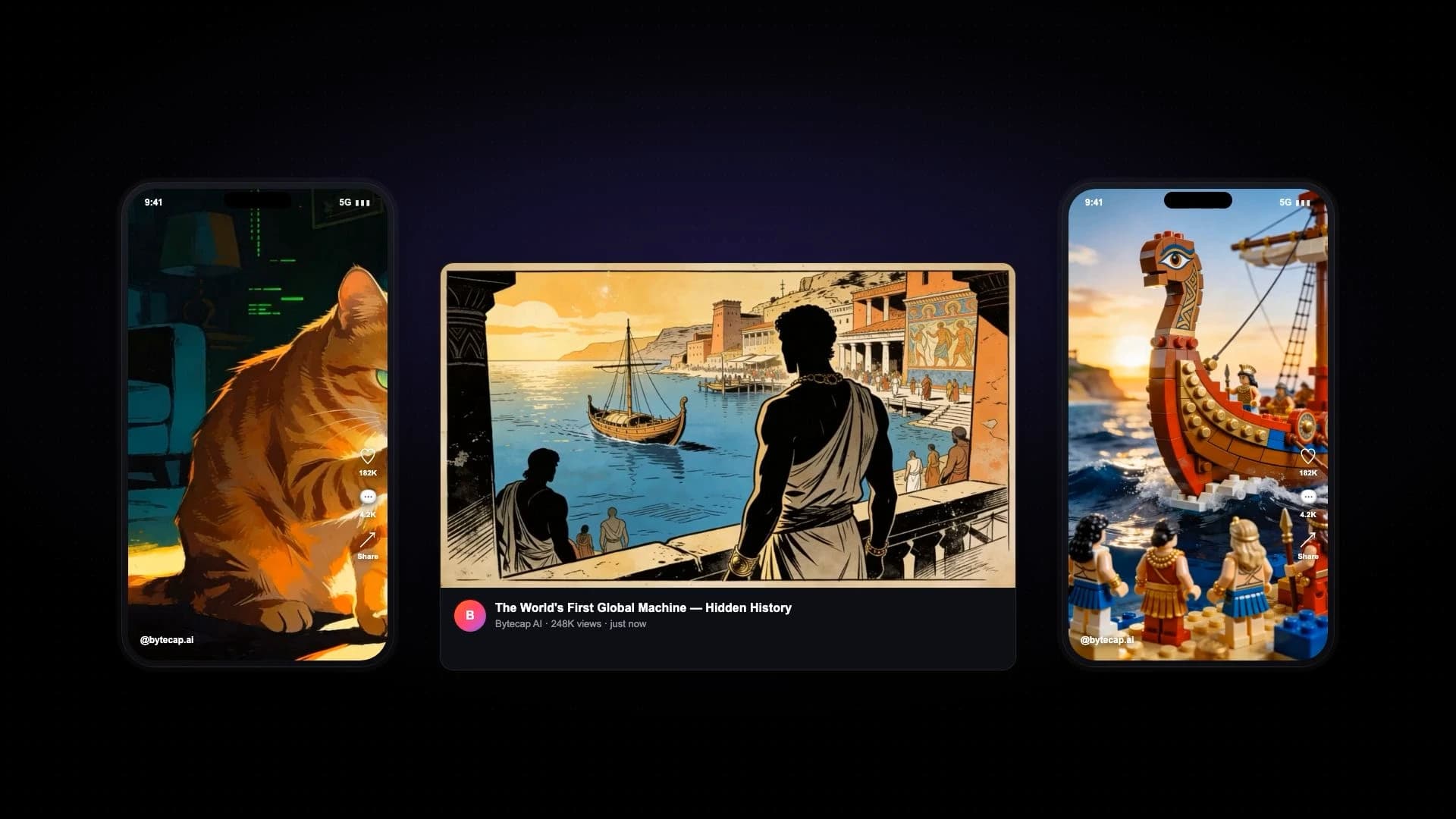
Adjust individual scene boundaries, timing, crops, speaker focus, layouts, captions, B-roll, audio, and visual polish after generation.
Munch provides automated editing and a web workflow, but Bytecap is designed for more granular scene review and repair before approval.
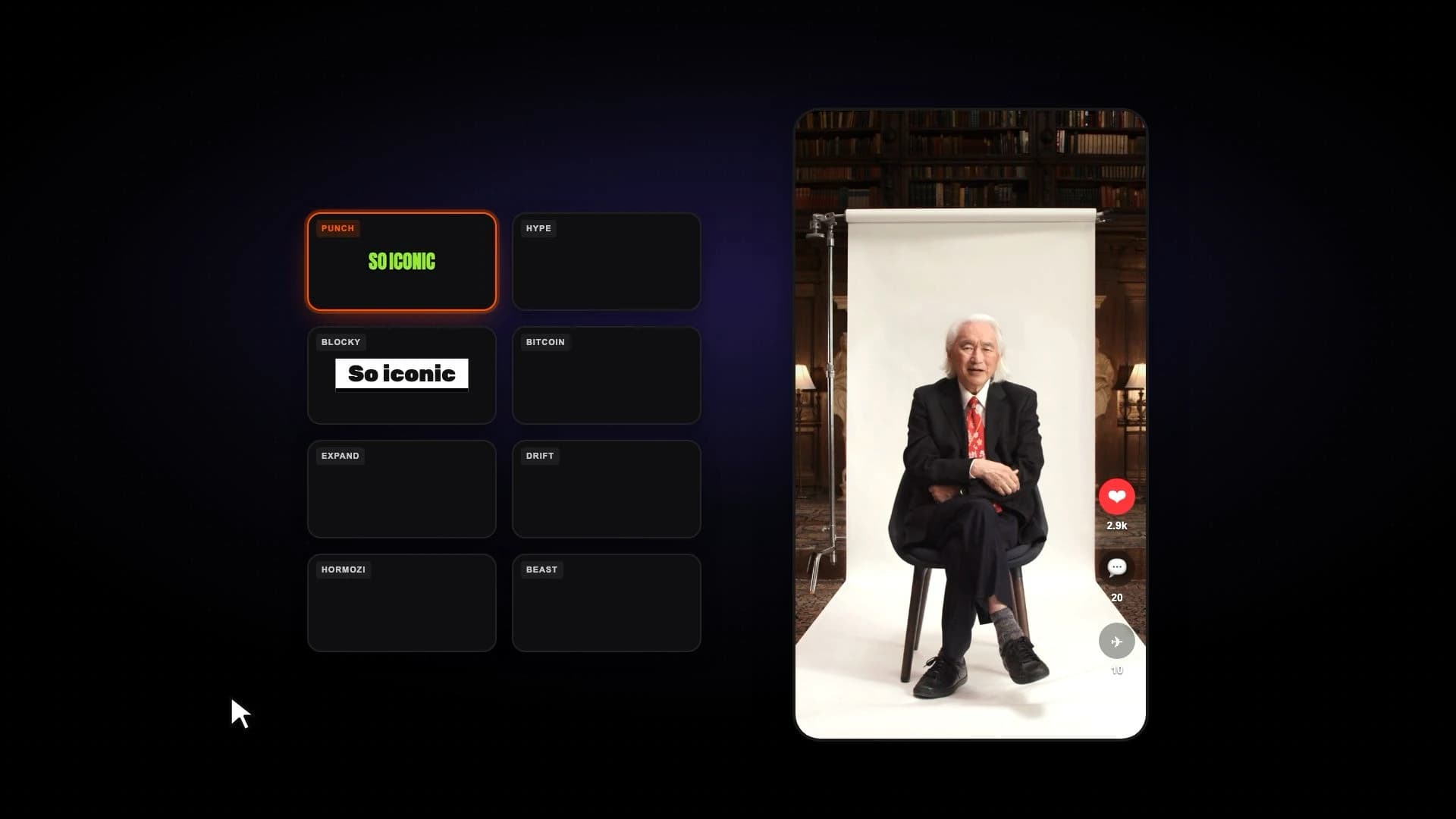
Apply animated word-level captions and mix fill, fit, split-screen, gameplay, and bubble layouts across scenes.
Munch advertises automatic captions, smart cropping, and platform-specific formatting for generated social clips.
Describe the clip you need in natural language, review the matching moments, and refine the result without processing the full source again.
Munch centers its public workflow on automated contextual and trend-aware extraction rather than Bytecap's prompt-led moment search.
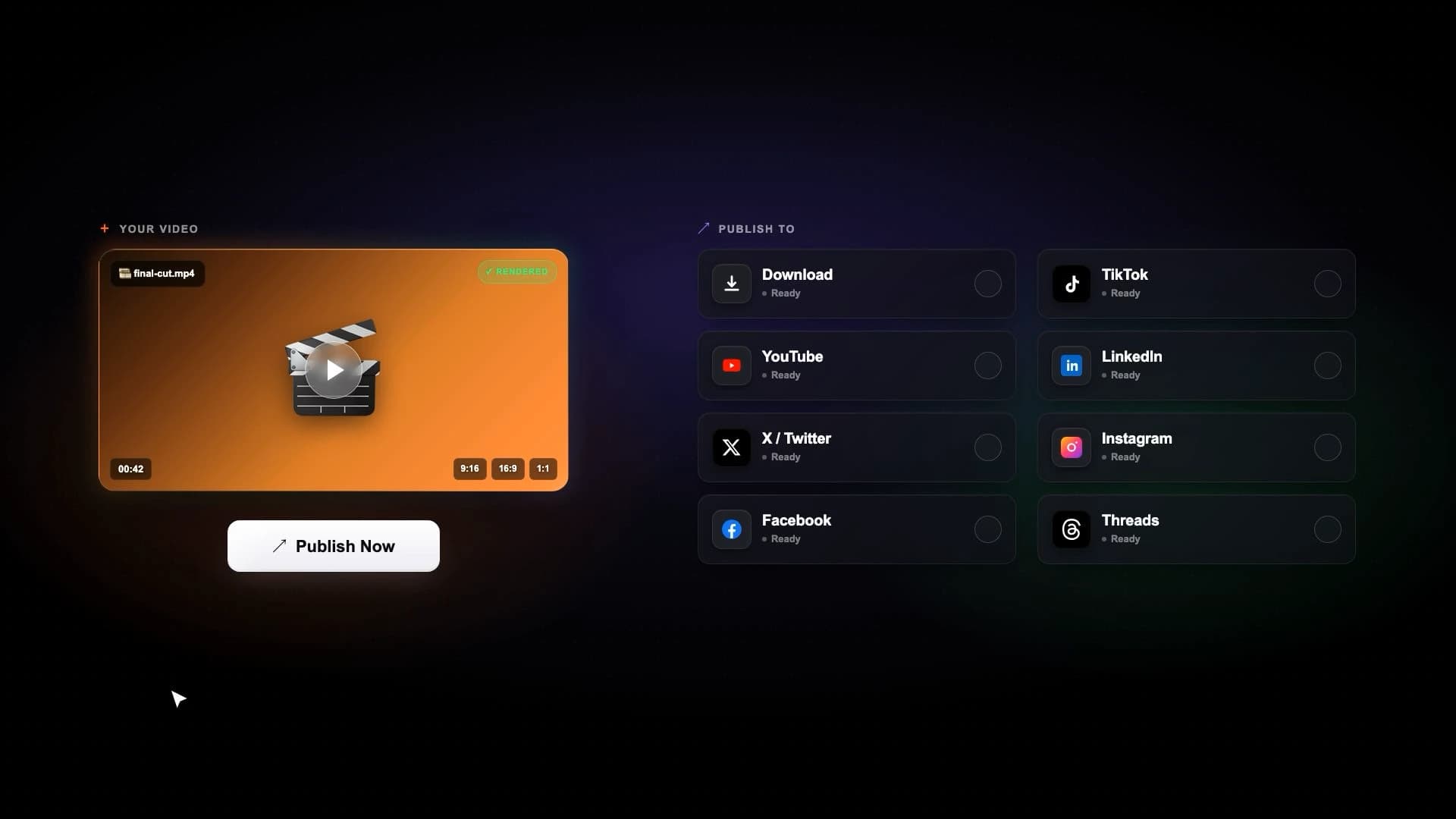
Move approved clips into scheduling and publishing for YouTube, TikTok, Instagram, LinkedIn, Facebook, and X from one workspace.
Munch generates platform-specific posts and markets publishing support; compare current destination and approval controls against your team's needs.
Keep AI suggestions editable. Review context, repair cuts, change layouts, and approve each post before it reaches the calendar.
Munch prioritizes a highly automated repurposing experience, which can suit teams that prefer a hands-off first pass.
Search a full video for goals, jokes, objections, teaching points, reactions, product reveals, or any exact moment type. Then review the generated scenes, resize speaker crops, change layouts, and publish the finished clips.
Try Magic ClipsBytecap is a strong Munch alternative for creators who need AI clipping plus prompt-based moment discovery, scene editing, captions, reframing, scheduling, and publishing in one workflow.
Yes. Paste a supported public video link or upload your source file, generate clips, and compare moment selection, captions, framing, cleanup time, and publishing controls using the same footage.
Yes. Bytecap can find standalone moments, create vertical scenes, add captions, and prepare clips for YouTube Shorts, TikTok, Instagram Reels, LinkedIn, Facebook, and X.
Munch's official website says it compares video text, speech, and visual references with social and search trends. Product behavior can change, so test both tools with representative footage before choosing.
Yes. You can prompt Bytecap to look for a topic, claim, objection, story, reaction, joke, product moment, or other clip concept instead of relying only on automatic suggestions.
Yes. Bytecap connects clip generation and editing to a cross-platform scheduling and publishing workflow, so approved clips do not need to be rebuilt in a separate tool.
Test with your own source video
Upload a podcast, stream, webinar, tutorial, or YouTube video and review the moments, captions, framing, and editing control yourself. No credit card is required to start.
Test Bytecap with your videoContent creators, video editors, and brands worldwide make viral social media videos with Bytecap
Bring your long-form footage into one workspace for clipping, editing, captions, and publishing.
Get Started NowTry for free