
Bytecap alternative comparison
Riverside combines recording and editing with Magic Clips. Bytecap is a focused alternative for creators who want to paste or upload an existing long video, find specific moments, refine each scene, and publish clips from one workflow.
Comparison reviewed July 18, 2026. Product details and pricing can change.
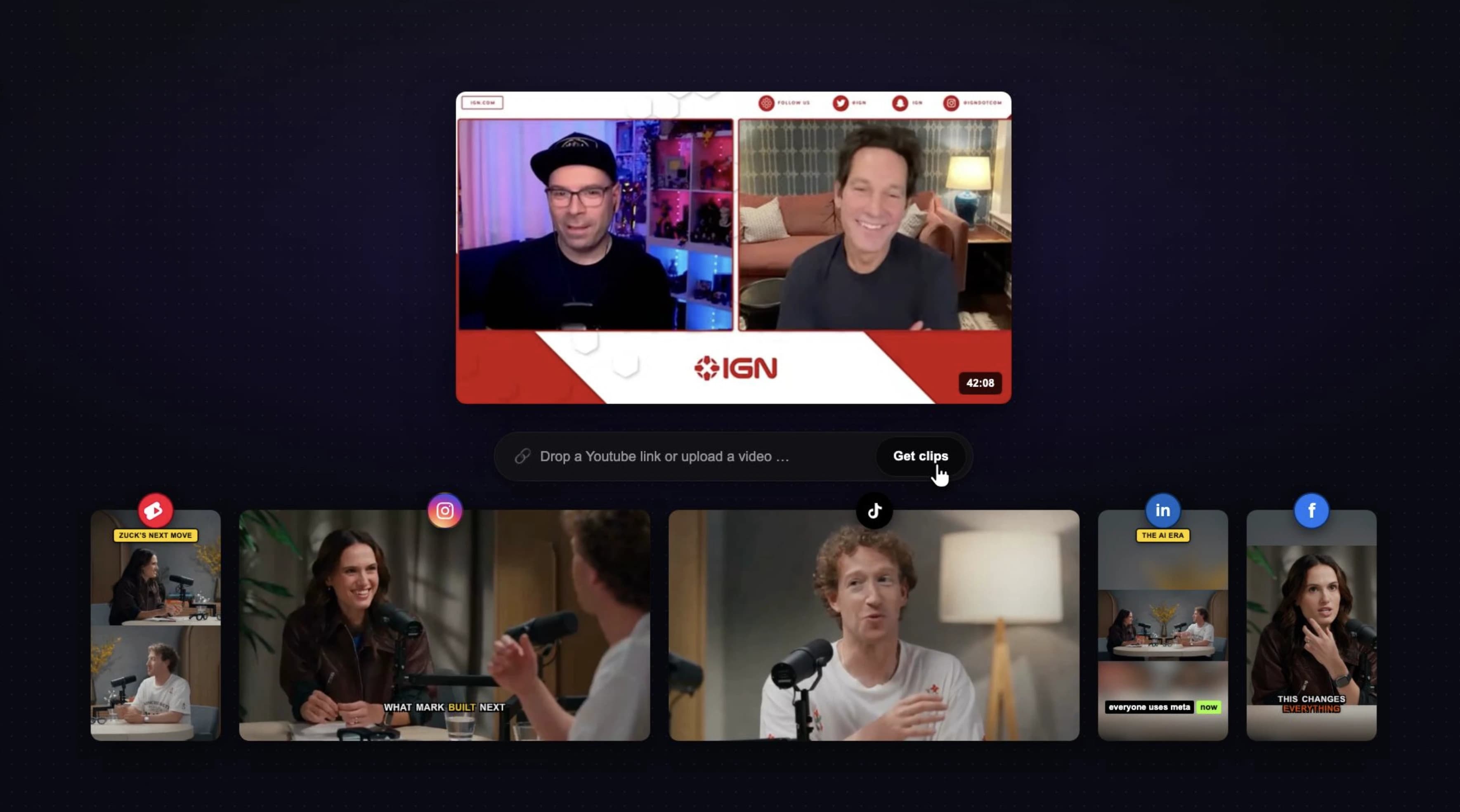
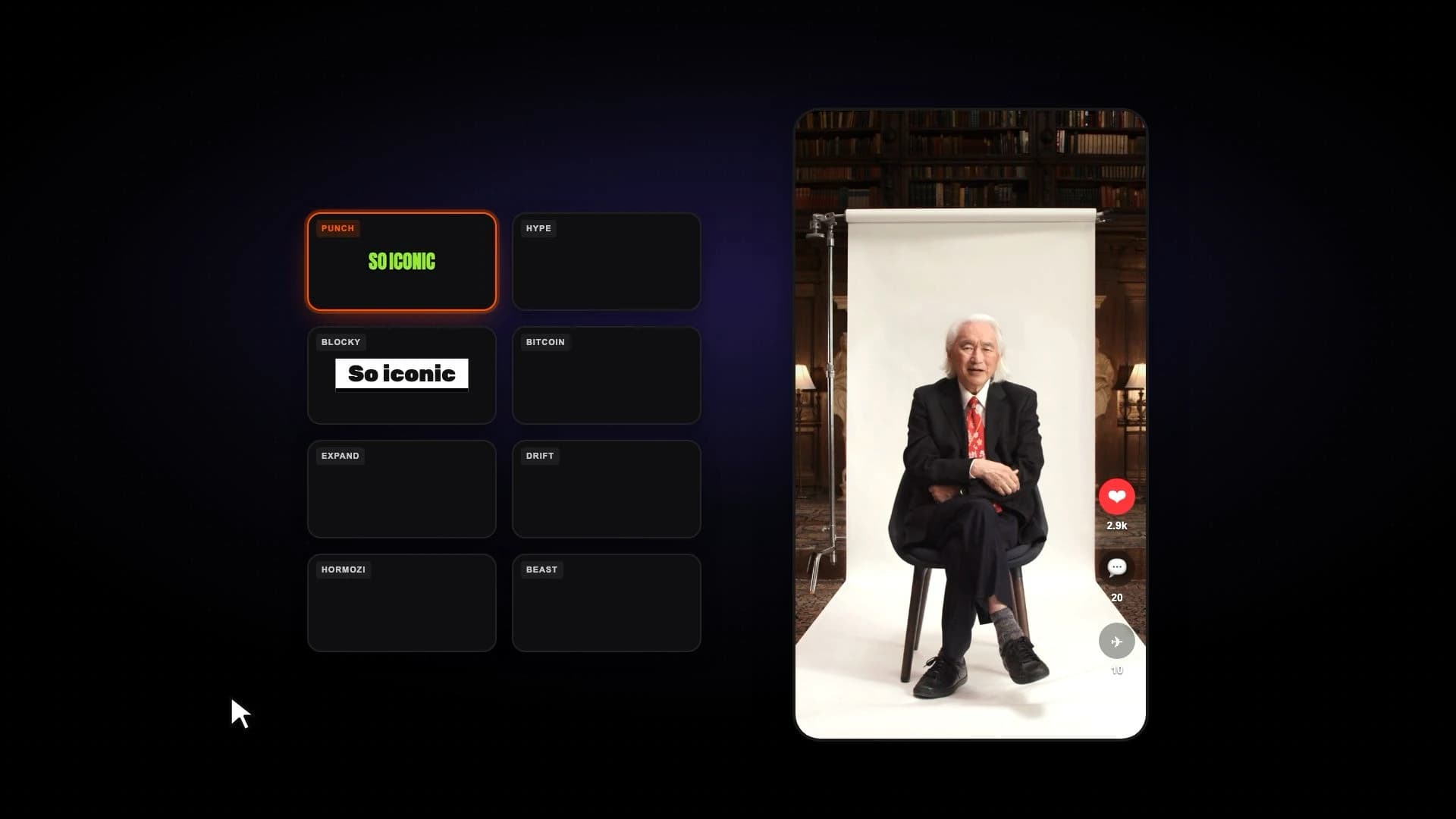
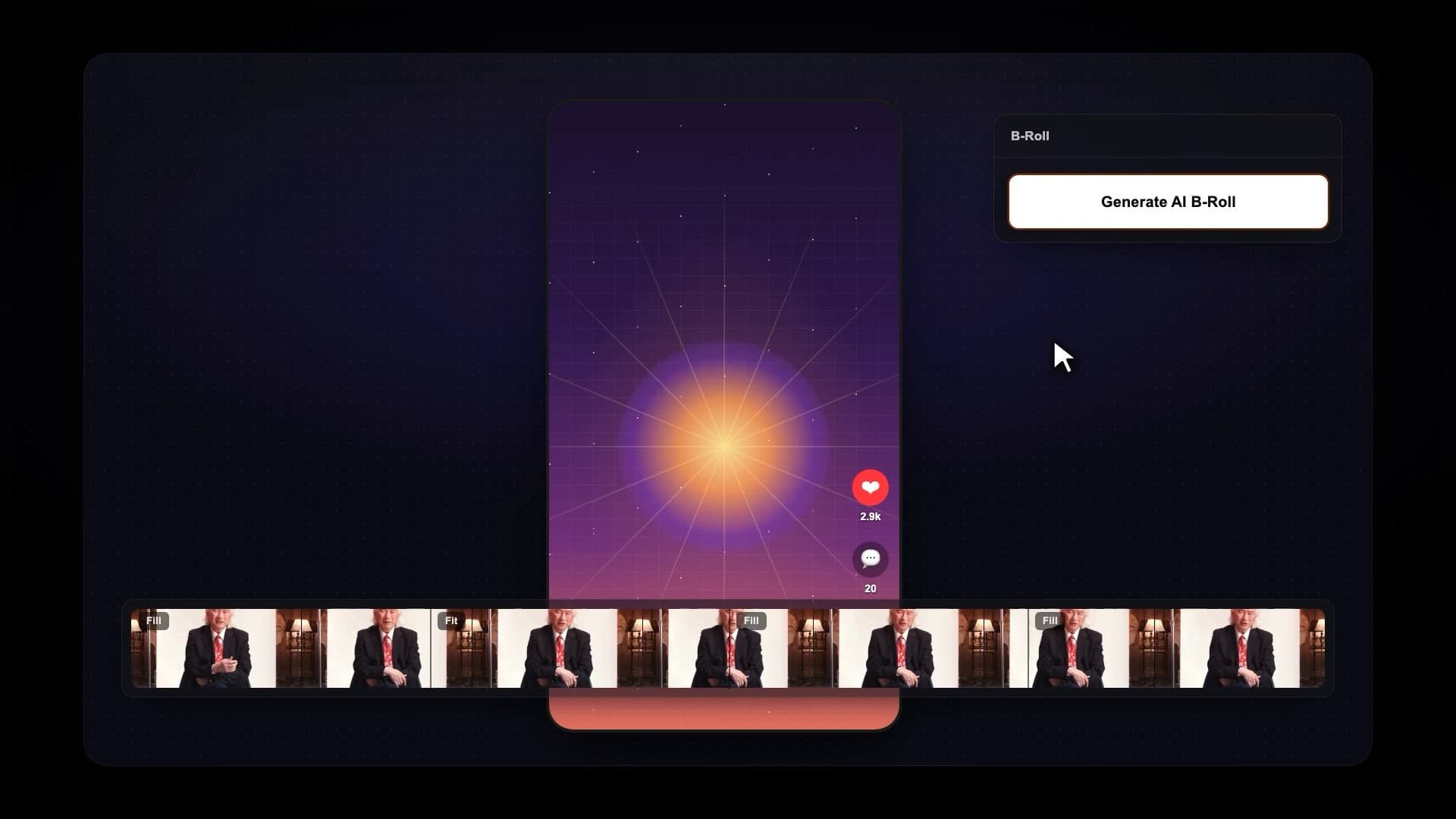
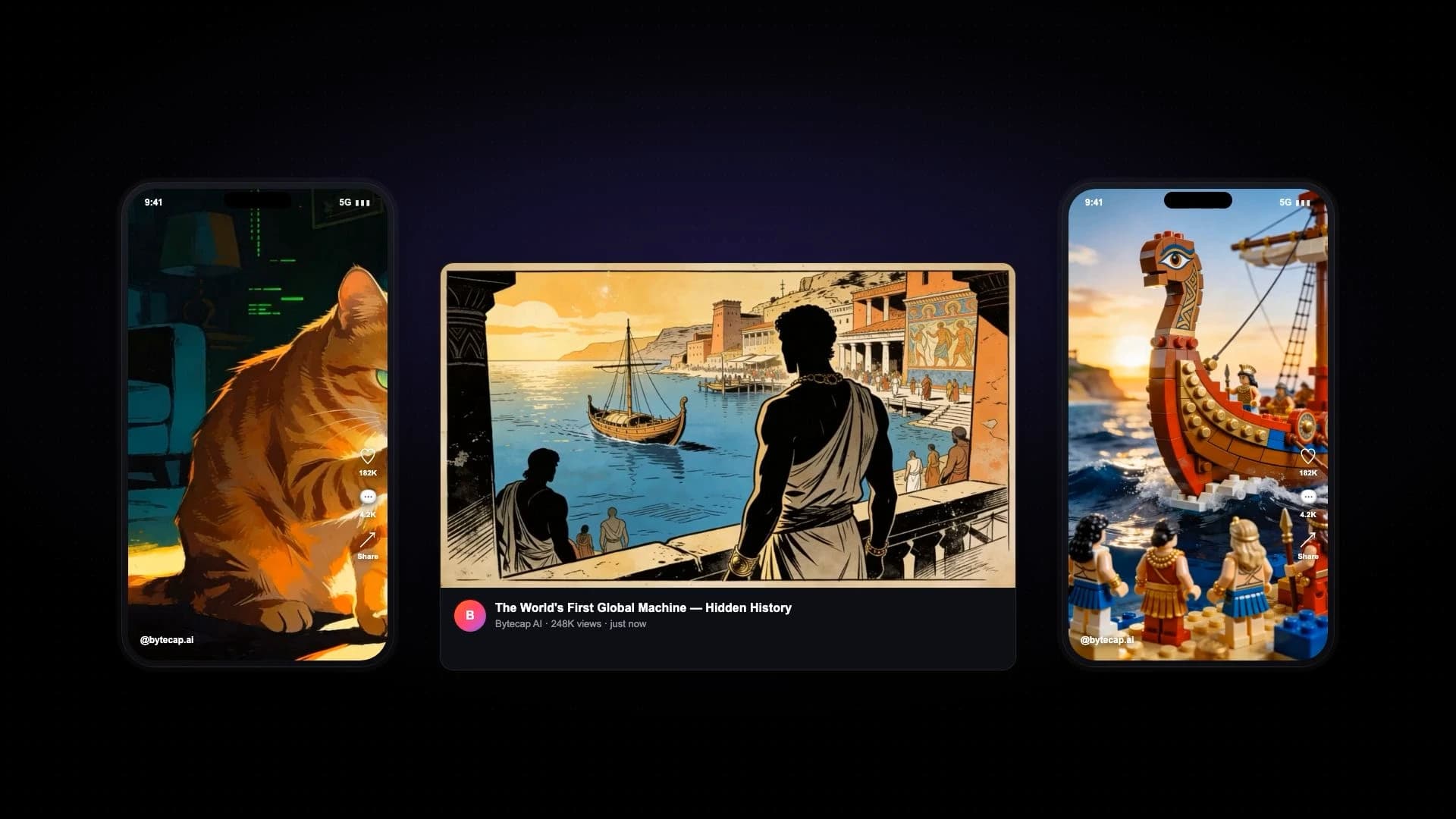
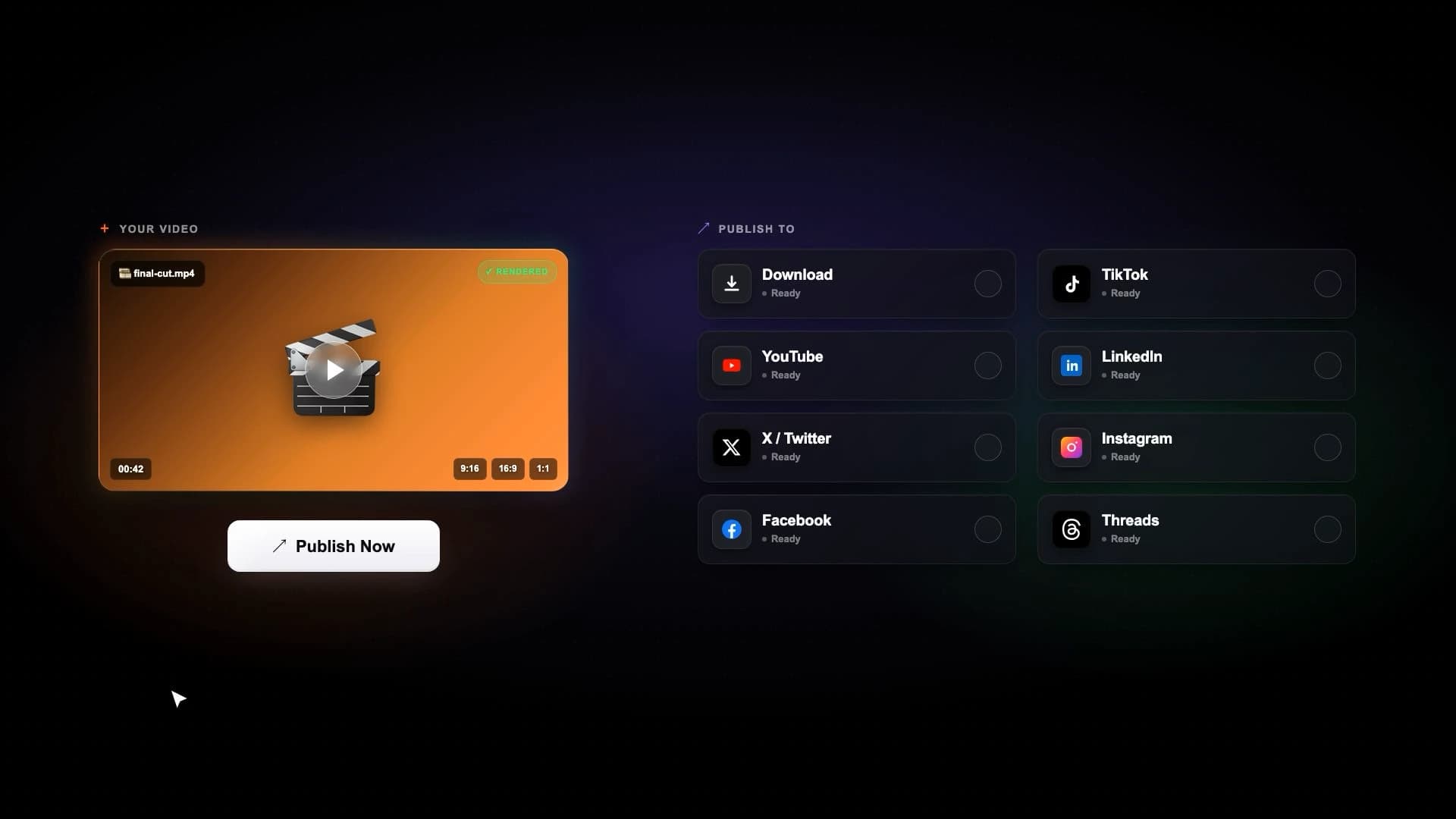
Bytecap is best when the job starts with existing footage and needs precise moment discovery, editable scene layouts, animated captions, B-roll, approvals, scheduling, and distribution.
Riverside is a broad recording studio with Magic Clips built into its post-production workflow. That is useful for remote recording teams. Bytecap is the more direct fit when long-to-short repurposing and downstream publishing are the primary job.
Official product sources checked: Riverside Magic Clips help, Riverside Magic Clips.
Compare the parts that matter for turning long videos into viral shorts.
Paste a supported public link or upload existing footage, then move from moment discovery to editing, approval, scheduling, and publishing.
Riverside centers on recording, uploading, editing, and repurposing content created inside or brought into its studio.
Generate multiple clips automatically or prompt for exact topics, objections, jokes, reactions, product moments, and visual events.
Magic Clips uses AI to identify highlights from recordings or uploads and can generate additional sets on eligible plans.
Describe the moment you need in natural language and use the result as an editable first cut.
Riverside supports duration, speaker, and keyword controls when generating additional Magic Clips sets on supported plans.
Apply animated word-level caption styles, emojis, hook titles, brand treatments, and timing edits.
Magic Clips adds captions and lets creators edit the text and presentation before export or sharing.
Mix fill, fit, split-screen, bubble, and gameplay layouts, with scene-specific speaker framing and manual crop overrides.
Riverside supports aspect ratio, layout, branding, and clip customization in its editor.
Open generated clips and repair individual scene boundaries, timing, crops, speaker focus, B-roll, audio, and visual treatment.
Riverside offers text-based and timeline editing; compare the exact per-scene layout controls with representative footage.
Bytecap is designed primarily around repurposing and editing video that already exists.
Riverside is the stronger choice when local-track remote recording and studio production are core requirements.
Schedule and publish approved clips to YouTube, TikTok, Instagram, LinkedIn, Facebook, and X from the same workspace.
Riverside supports export and sharing; compare current direct-publishing destinations and scheduling controls for your channels.
Pricing snapshot
Both products can be tried before committing. Riverside plan access and Magic Clips allowances vary by tier, so verify current limits on its official pricing page.
Bytecap
Free to start
Test the repurposing workflow, then upgrade for more AI clipping, editing, automation, and publishing capacity.
Riverside
Free plan
Riverside says free accounts receive one automatically generated Magic Clips set; additional generation depends on the paid plan.
Competitor source: Riverside pricing
Search a full video for goals, jokes, objections, teaching points, reactions, product reveals, or any exact moment type. Then review the generated scenes, resize speaker crops, change layouts, and publish the finished clips.
Try Magic ClipsBytecap is a strong Riverside alternative when you already have long-form footage and want prompt-based clipping, detailed scene editing, captions, scheduling, and publishing. Riverside is a better fit when remote recording is central to the workflow.
Yes. Bytecap can generate suggested highlights and also lets you request specific topics, stories, objections, jokes, reactions, or visual moments from the source video.
Yes. Use the demo on this page to paste a supported public video link, or upload a file, then continue into the clipping workflow after signing in.
Yes. Riverside's official Magic Clips documentation says clips include captions and can be customized before export or sharing.
Riverside is purpose-built for remote recording. Bytecap is designed for the next stage: turning an existing podcast, interview, webinar, tutorial, or stream into editable social clips.
Yes. Bytecap connects clipping and editing to scheduling and publishing across major short-form and social channels.
Test with your own source video
Upload a podcast, stream, webinar, tutorial, or YouTube video and review the moments, captions, framing, and editing control yourself. No credit card is required to start.
Test Bytecap with your videoContent creators, video editors, and brands worldwide make viral social media videos with Bytecap
Bring your long-form footage into one workspace for clipping, editing, captions, and publishing.
Get Started NowTry for free