
Bytecap alternative comparison
Vmaker combines recording and AI editing with long-to-short conversion, captions, B-roll, reframing, and social publishing. Bytecap is an alternative built around finding the right moments and refining every generated scene before distribution.
Comparison reviewed July 18, 2026. Product details and pricing can change.
Bytecap is best when repurposing quality depends on directing moment discovery and manually repairing scene timing, crops, layouts, captions, B-roll, audio, and channel output.
Vmaker combines screen recording with a wide AI editing suite. Bytecap is more focused on long-form repurposing, promptable moment search, short-form scene layouts, and the approval-to-publishing path.
Official product sources checked: Vmaker product.
Compare the parts that matter for turning long videos into viral shorts.
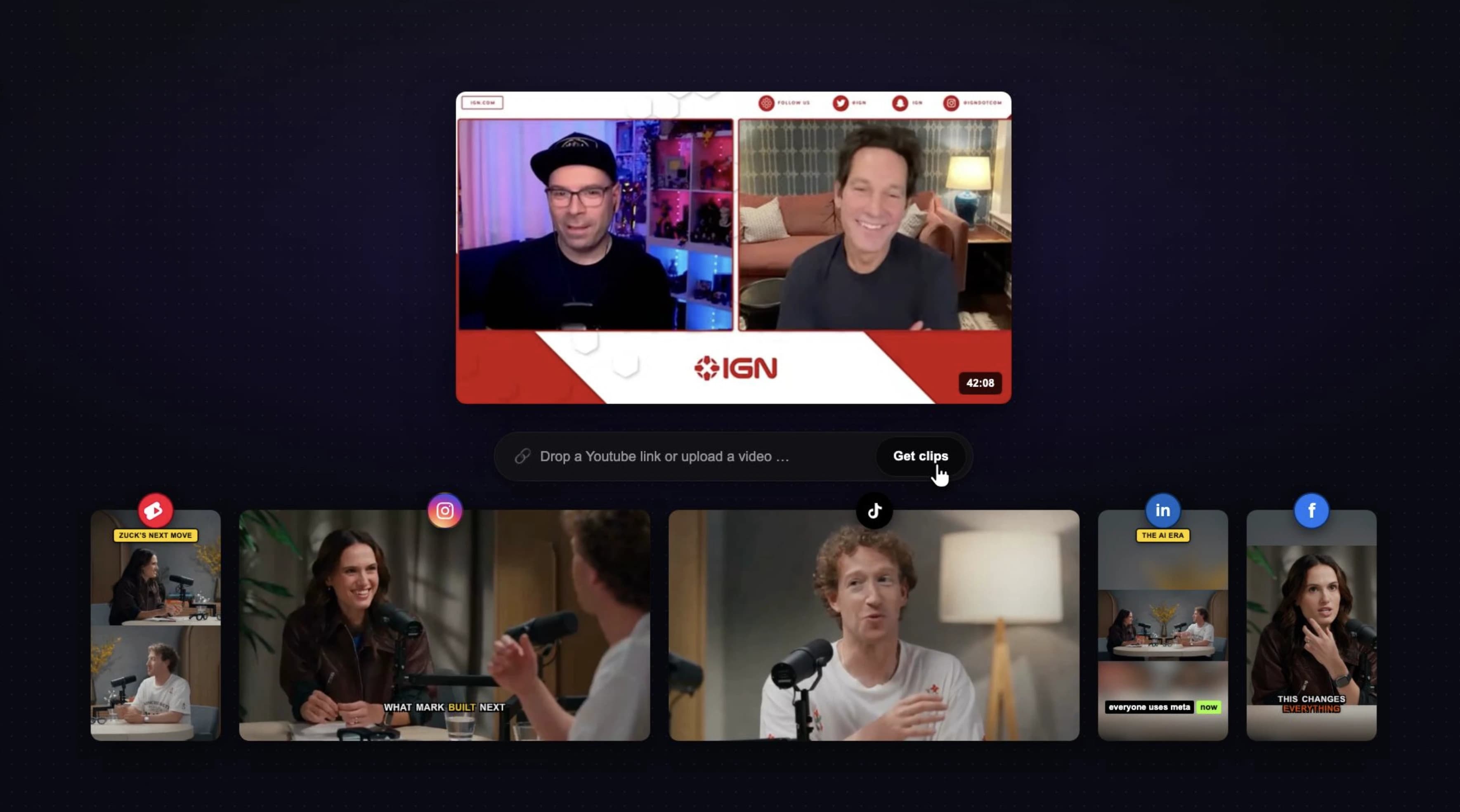
Paste a supported public link or upload long footage, generate several clips, and review every result before publishing.
Vmaker markets AI conversion from long videos to short-form social clips.
Let AI rank highlights or prompt for exact topics, hooks, objections, reactions, product moments, and visual events.
Vmaker automates highlight and short-form creation within its AI editing suite.
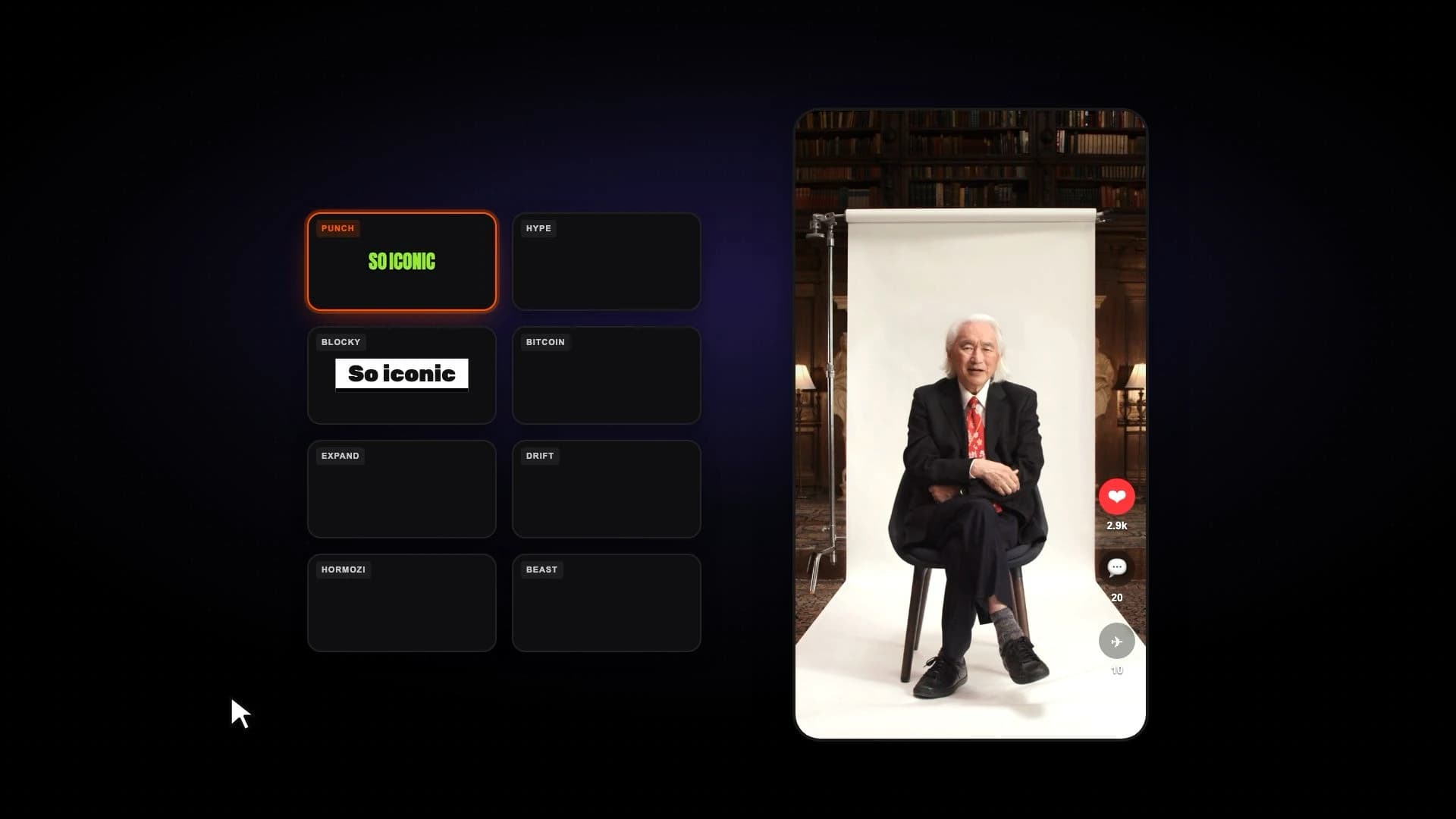
Create animated word-level captions with styles, emphasis, emojis, hook titles, and timing edits.
Vmaker offers automatic subtitles and caption styling as part of its AI editor.
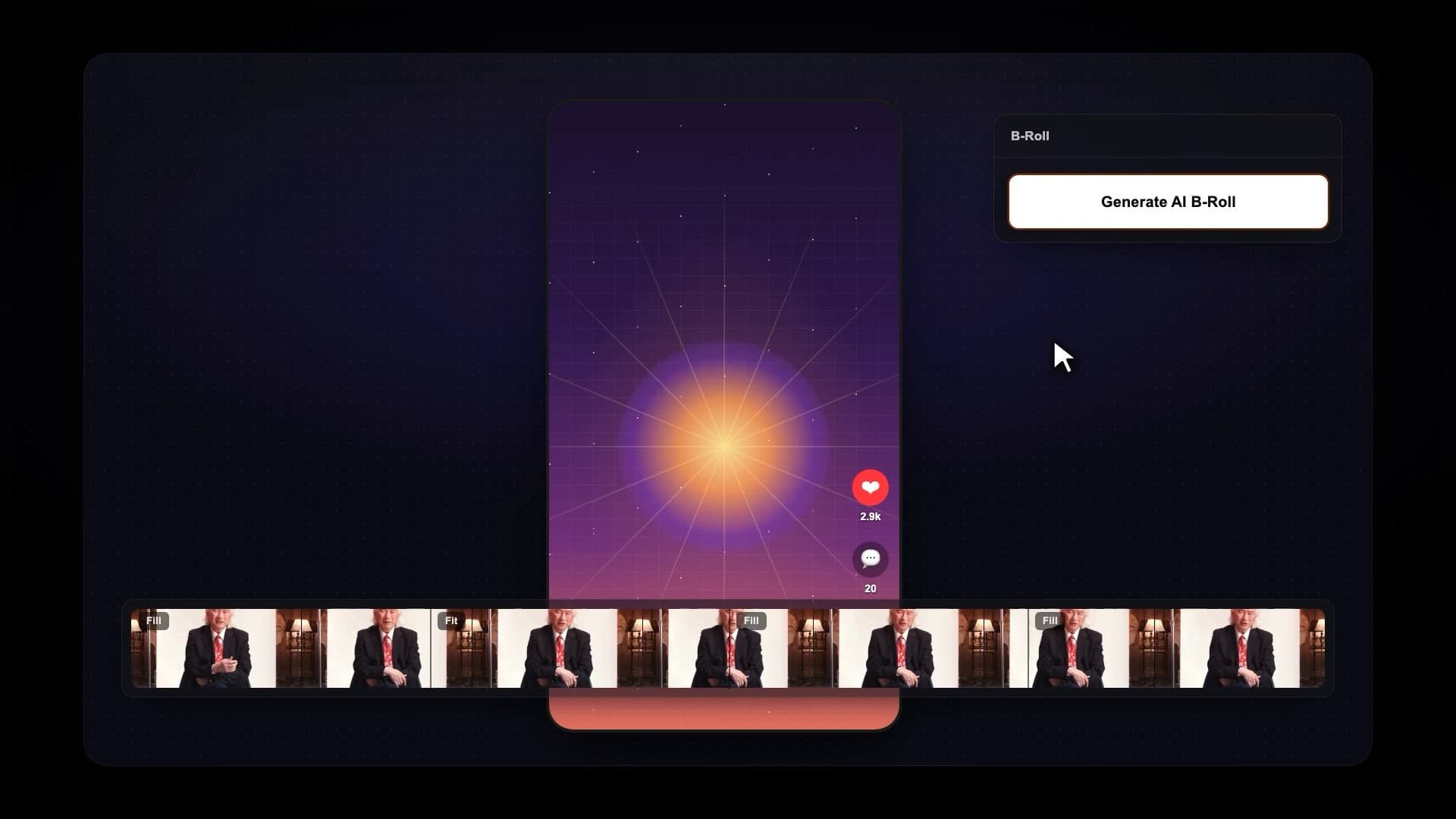
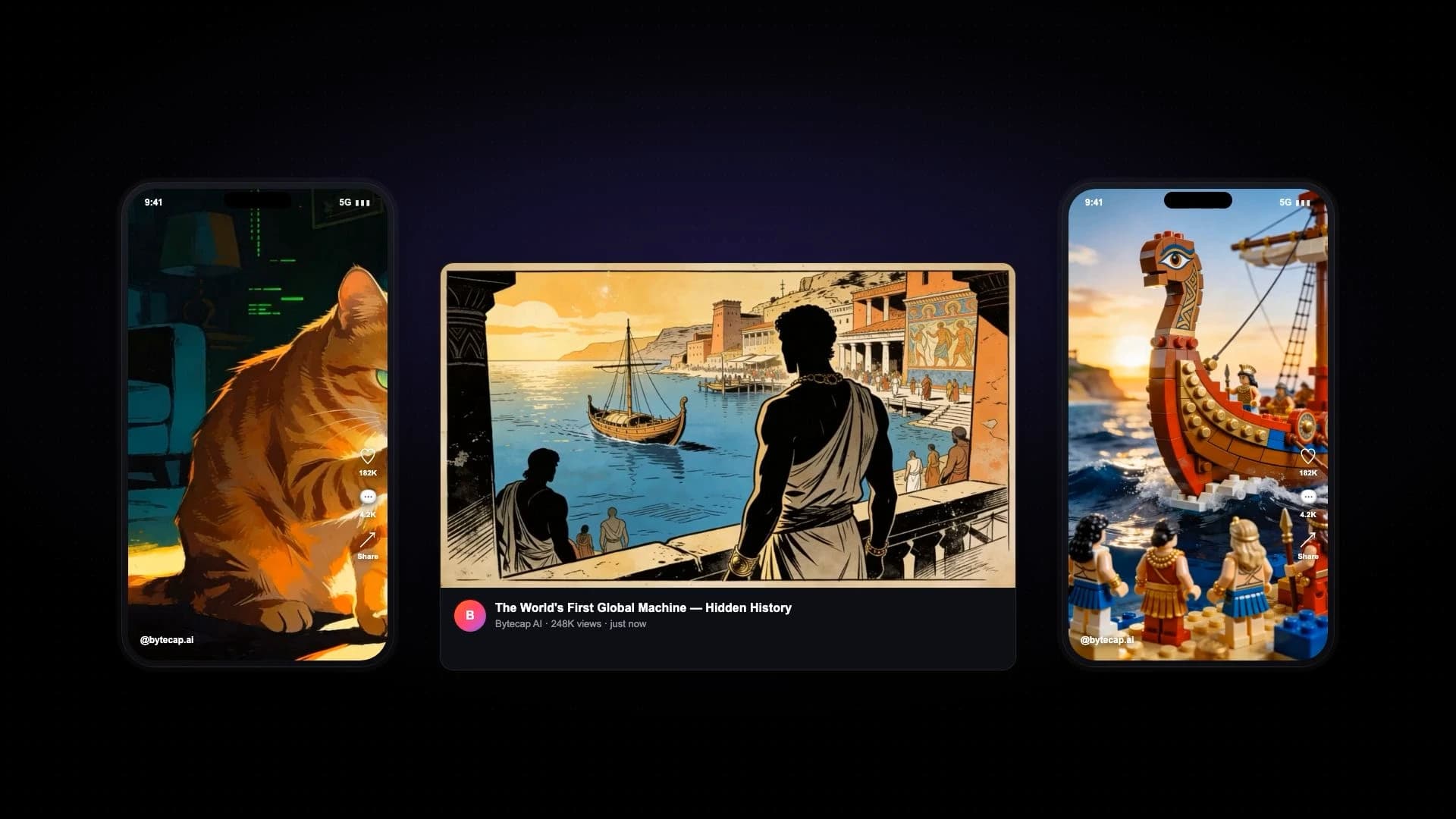
Generate or add B-roll, then control its timing and treatment within individual scenes.
Vmaker advertises AI B-roll generation and stock-media support in its editing workflow.
Combine speaker-aware reframing with manual crop overrides and different layouts for each scene.
Vmaker supports automatic reframing and social aspect-ratio conversion.
Adjust scene boundaries, timing, focus, fill, fit, split-screen, bubble, gameplay layout, audio, and effects after generation.
Vmaker provides a broad AI video editor; test both products when detailed per-scene short-form layout repair matters.
Bytecap starts with existing source video and focuses on repurposing it efficiently.
Vmaker includes screen and webcam recording, making it a stronger choice when capture is a core requirement.
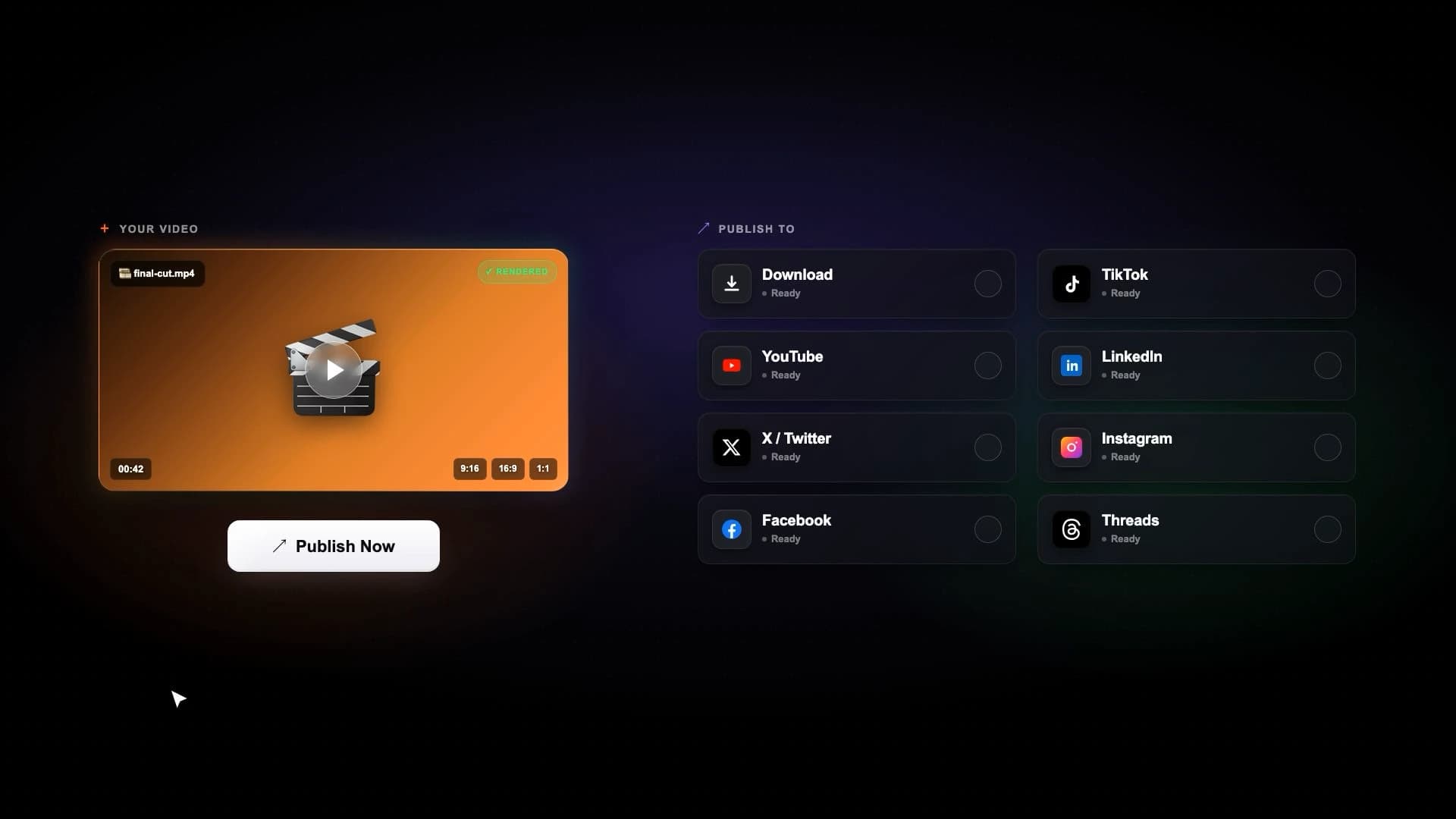
Schedule and publish approved clips to YouTube, TikTok, Instagram, LinkedIn, Facebook, and X.
Vmaker offers social publishing; its free plan publicly lists limited social publishes, with allowances varying by tier.
Pricing snapshot
Public USD monthly pricing reviewed July 18, 2026. Annual billing, regional pricing, credits, exports, and publishing allowances may change the effective cost.
Bytecap
Free to start
Test the long-to-short workflow, then upgrade for more AI capacity, editing, automations, and publishing.
Vmaker
$24/month
Vmaker's public monthly Starter price; it also lists a free plan and a lower effective price with annual billing.
Competitor source: Vmaker pricing
Search a full video for goals, jokes, objections, teaching points, reactions, product reveals, or any exact moment type. Then review the generated scenes, resize speaker crops, change layouts, and publish the finished clips.
Try Magic ClipsBytecap is a strong Vmaker alternative when you want promptable moment discovery, scene-level short-form editing, captions, B-roll, scheduling, and publishing in one workflow.
Yes. Bytecap supports animated captions, hook titles, generated or selected B-roll, audio, zooms, silence removal, and scene-specific layouts.
Yes. Paste a supported public video link into the demo on this page, or upload a source file after entering the workflow.
Yes. Vmaker combines screen and webcam recording with editing. Bytecap is focused more directly on repurposing existing long-form footage into social clips.
When reviewed July 18, 2026, Vmaker listed a free plan and a $24 per month Starter plan, with a lower effective monthly price on annual billing. Verify current prices and limits before purchasing.
Yes. Bytecap connects editing to scheduling and publishing across major social and short-form channels.
Test with your own source video
Upload a podcast, stream, webinar, tutorial, or YouTube video and review the moments, captions, framing, and editing control yourself. No credit card is required to start.
Try Bytecap with a long videoContent creators, video editors, and brands worldwide make viral social media videos with Bytecap
Bring your long-form footage into one workspace for clipping, editing, captions, and publishing.
Get Started NowTry for free