






Listings move quickly
Content loses value when editing takes longer than the market moment.

Repurpose walkthroughs, market updates, neighborhood guides, and client-safe interviews into focused short videos that help buyers and sellers understand what matters.
For agents, brokers, teams, property marketers, and real estate educators.
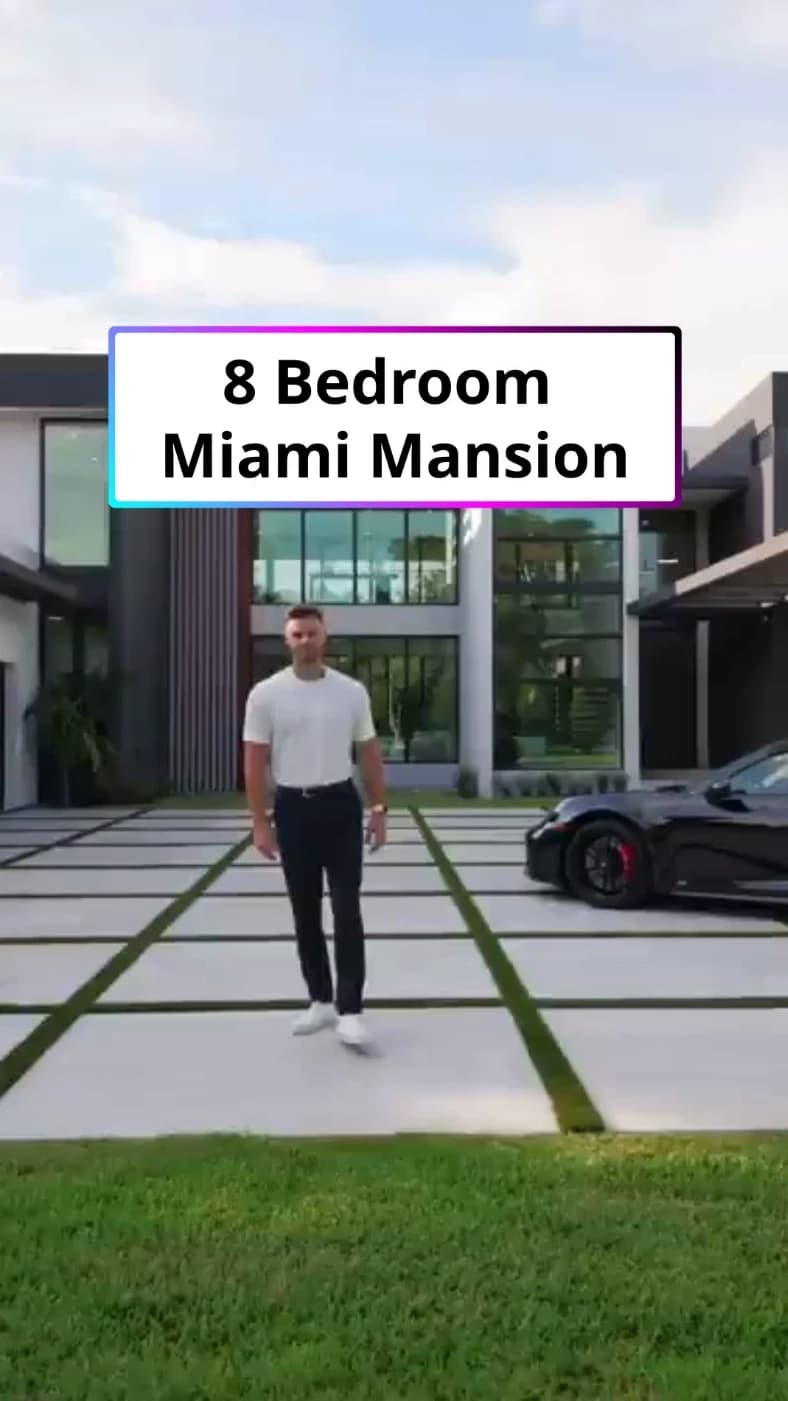
A real Bytecap workflow
Review and refine every AI-assisted result before publishing.
One workspace for clipping, editing, captions, and publishing
The real bottleneck
A full walkthrough or market update contains many potential stories. Social viewers need one property feature, question, or local insight at a time.
Content loses value when editing takes longer than the market moment.
A fast montage can hide the feature or explanation that makes the property relevant.
Constant listing tours do not show the local knowledge and guidance behind the agent.
A practical workflow
Use listing footage for discovery, then mix in market explanations, neighborhood context, and practical buyer or seller education.
Step 1
Start with a walkthrough, market update, neighborhood video, open-house recap, or approved interview.
Step 2
Center each cut on one feature, location advantage, market concept, or next-step explanation.
Step 3
Add captions, reframe for the channel, and verify listing facts, required disclosures, and permissions.
What you can do
Create focused highlights from longer property tours and open-house footage.
Make prices, locations, features, and market explanations easy to follow.
Adapt horizontal footage while keeping the room, feature, or speaker visible.
Prepare listing and educational videos for the channels in your marketing plan.
Property workflow
Create separate clips for the standout feature, layout, neighborhood, ideal buyer use case, and viewing invitation—without making unsupported claims.
Move useful property moments into social formats while the listing is active.
Balance property tours with explanations that demonstrate local market knowledge.
Connect each video to the appropriate listing, resource, or contact path.
Questions before you start
Yes. You can select focused moments, reframe them for vertical viewing, and add captions and supporting text.
Yes. Review every number, date, geographic qualifier, source, and required disclosure before publishing the final cut.
You can prepare vertical clips for TikTok, Instagram Reels, and YouTube Shorts, then resize or reframe content for other channels from the same project.
Yes. You can start free, upload a video or paste a supported link, review the result, and decide which clips are worth refining and publishing.
Start with a walkthrough or update, choose the viewer question, and build a clear video around it.
Create real estate clipsStart free. Review every result before you publish.