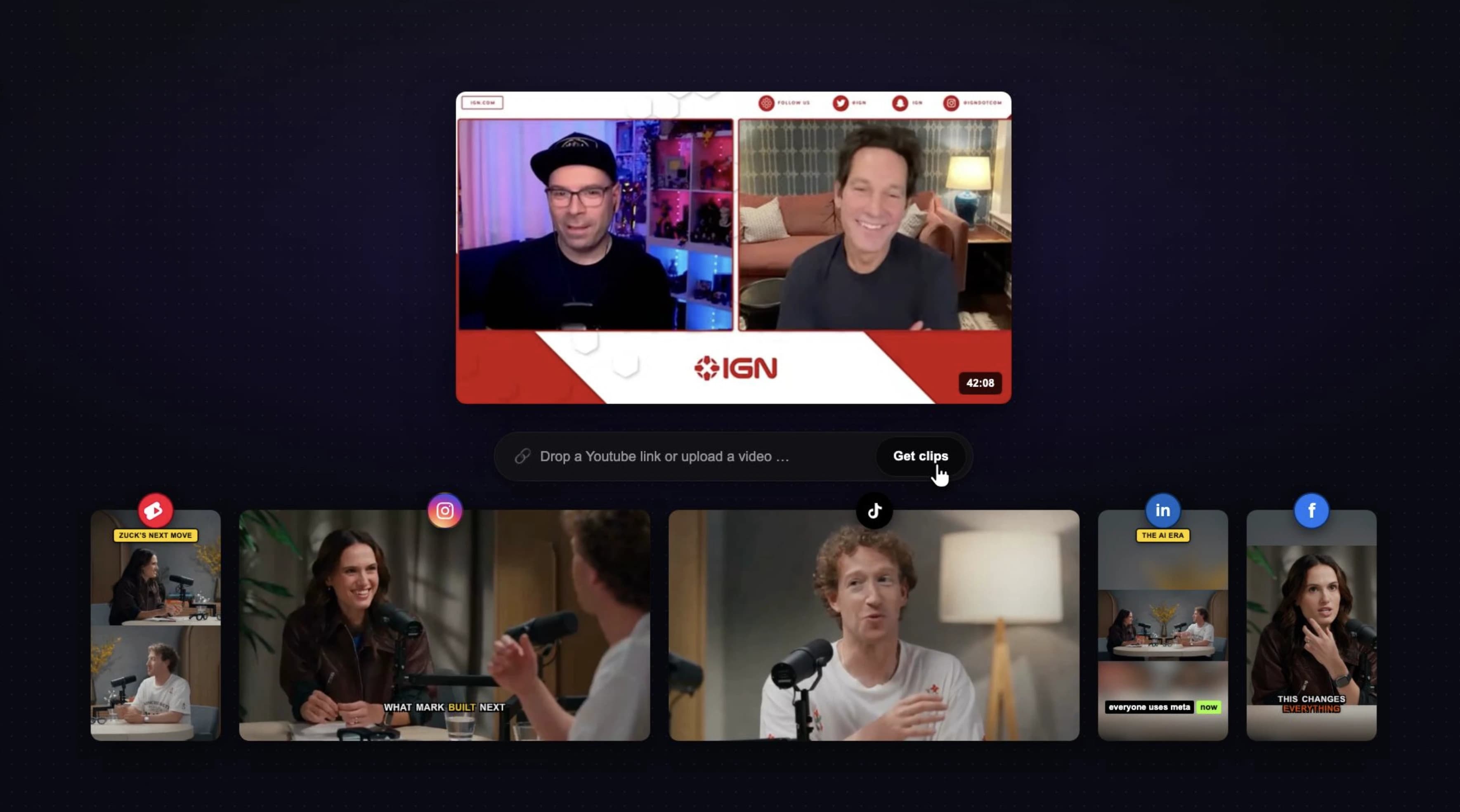
Connect your YouTube channel, paste a link, or upload a long video. Bytecap finds the best moments, captions them, reframes them, writes hooks, and helps you publish or schedule across every major platform.
50,000+ creators clipping, editing, and publishing with Bytecap
Built for creators who clip every week
Most AI clippers make one step faster, then leave you with the same production mess. Bytecap removes the handoffs between finding clips, finishing them, and getting them posted.
Creators still need captions, vertical framing, hook titles, edits, exports, and platform copy before anything is ready to post.
Downloading clips, moving between tools, and uploading to each platform turns every recording into another production checklist.
Short-form platforms need more shots on goal. One podcast or webinar should become a full week of posts, not two abandoned clips.
Clipping on autopilot
Uploading to YouTube should be the start of the system, not the start of another editing chore. Magic Clips is connected to importing, editing, packaging, scheduling, and publishing so creators can keep recording instead of managing files.
Read the autopilot workflowConnect YouTube once, paste a link, or upload a file. The workflow starts from the videos you already make.
AI scores hooks, reactions, visual changes, pacing, and prompt-matched moments instead of slicing random timestamps.
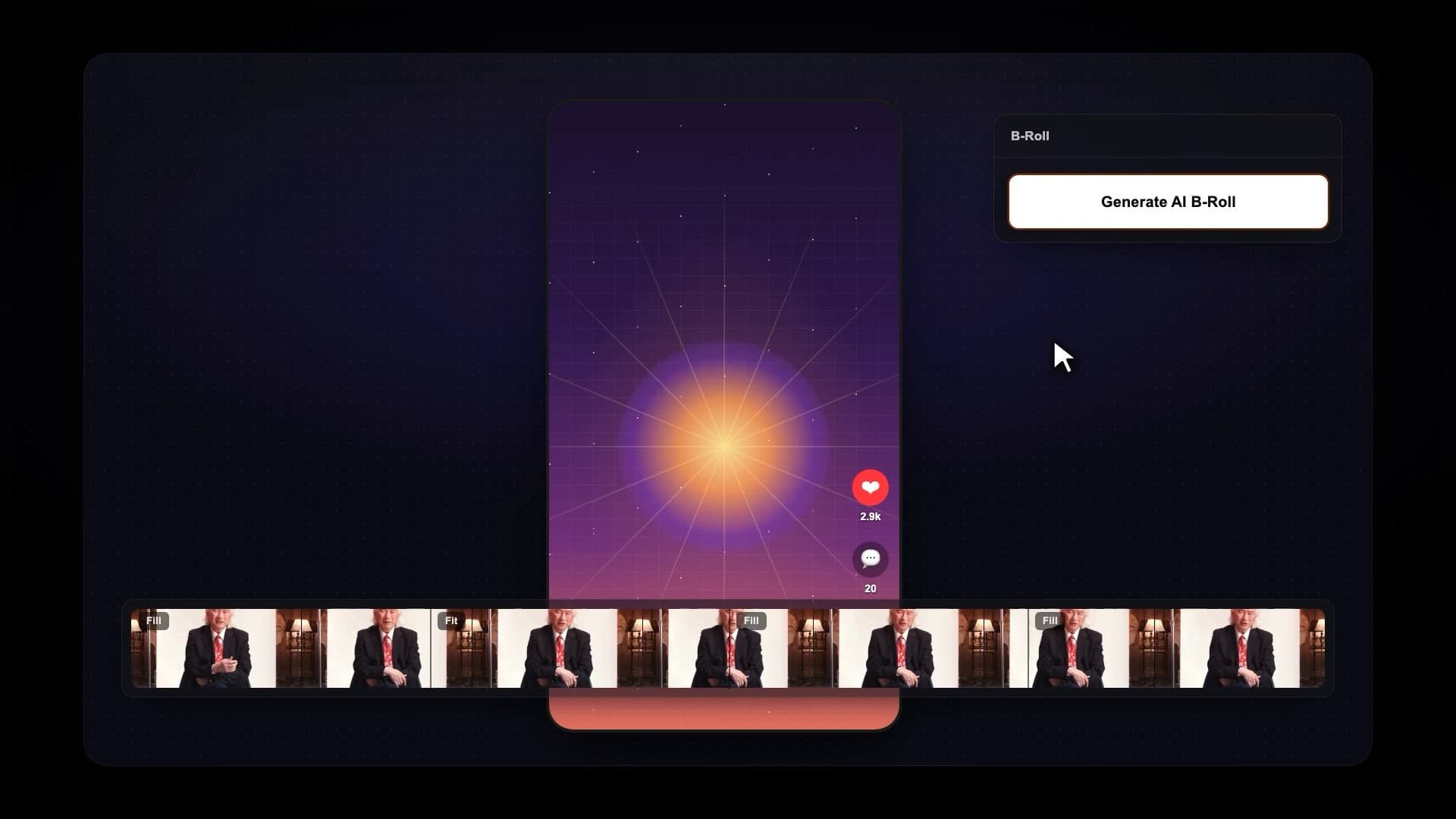
Captions, silence removal, speaker framing, layouts, hook titles, B-roll, and smart edits happen in one editor.
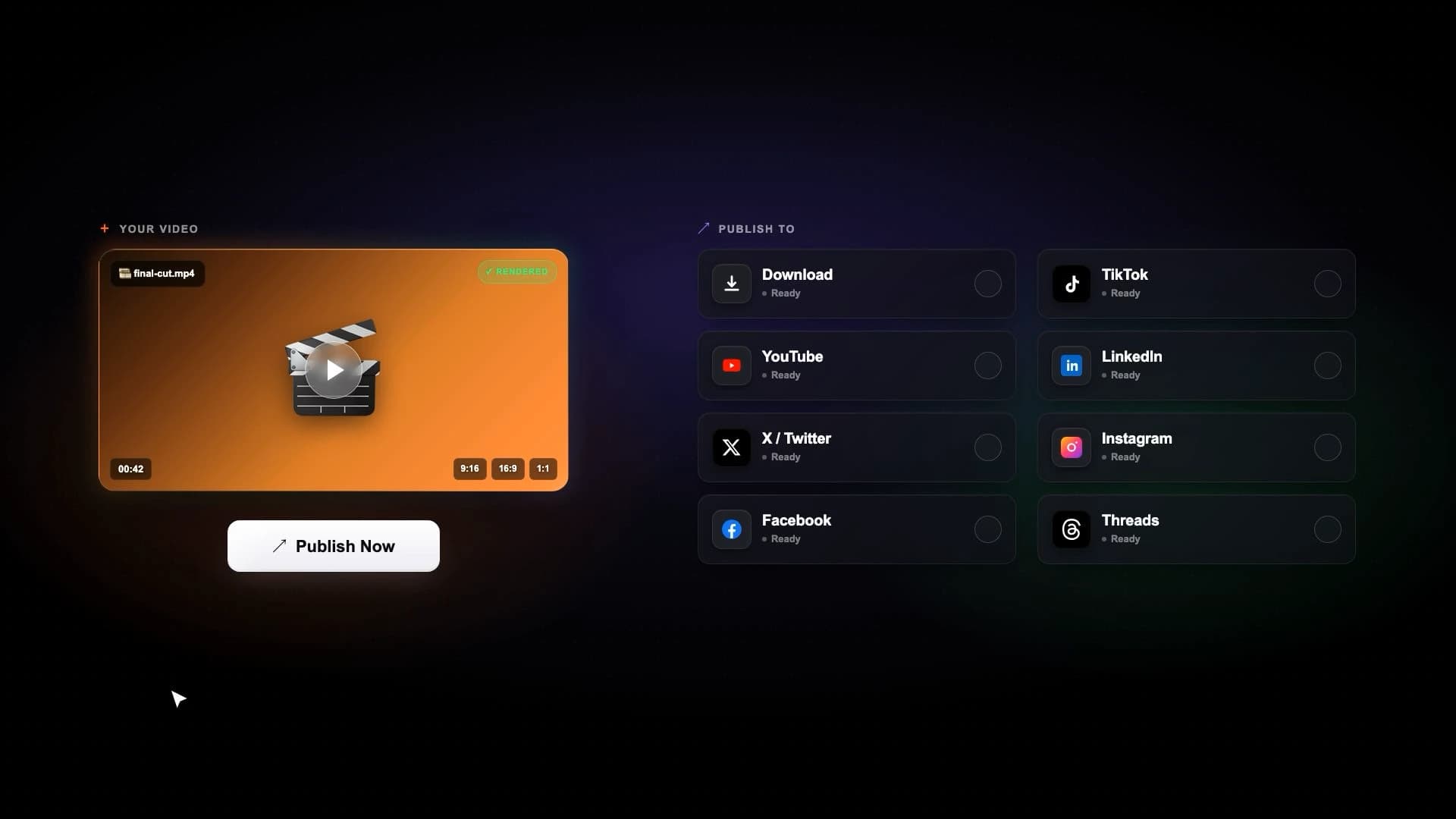
Prepare clips for YouTube Shorts, TikTok, Instagram, Facebook, LinkedIn, and X without another scheduler.
Bytecap doesn't rely on transcripts alone. Our proprietary Moment Intelligence engine analyzes the entire video including visual action, reactions, timing, buildup, and payoff to rank the moments most likely to succeed as standalone shorts.
Built in house and available only in Bytecap Magic Clips.


Object detection follows every speaker as they move. Multi person clips are auto stacked top and bottom. No manual cropping, ever.
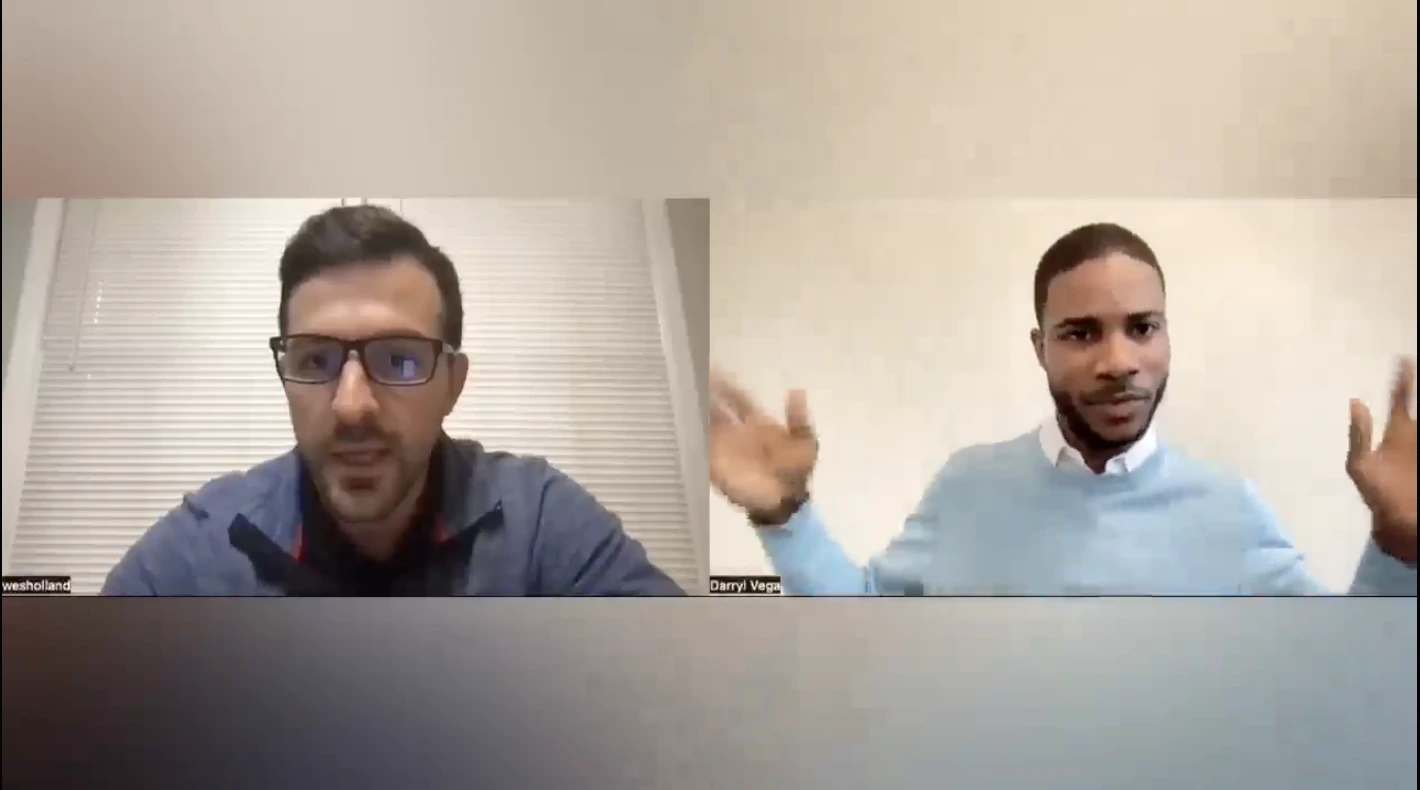
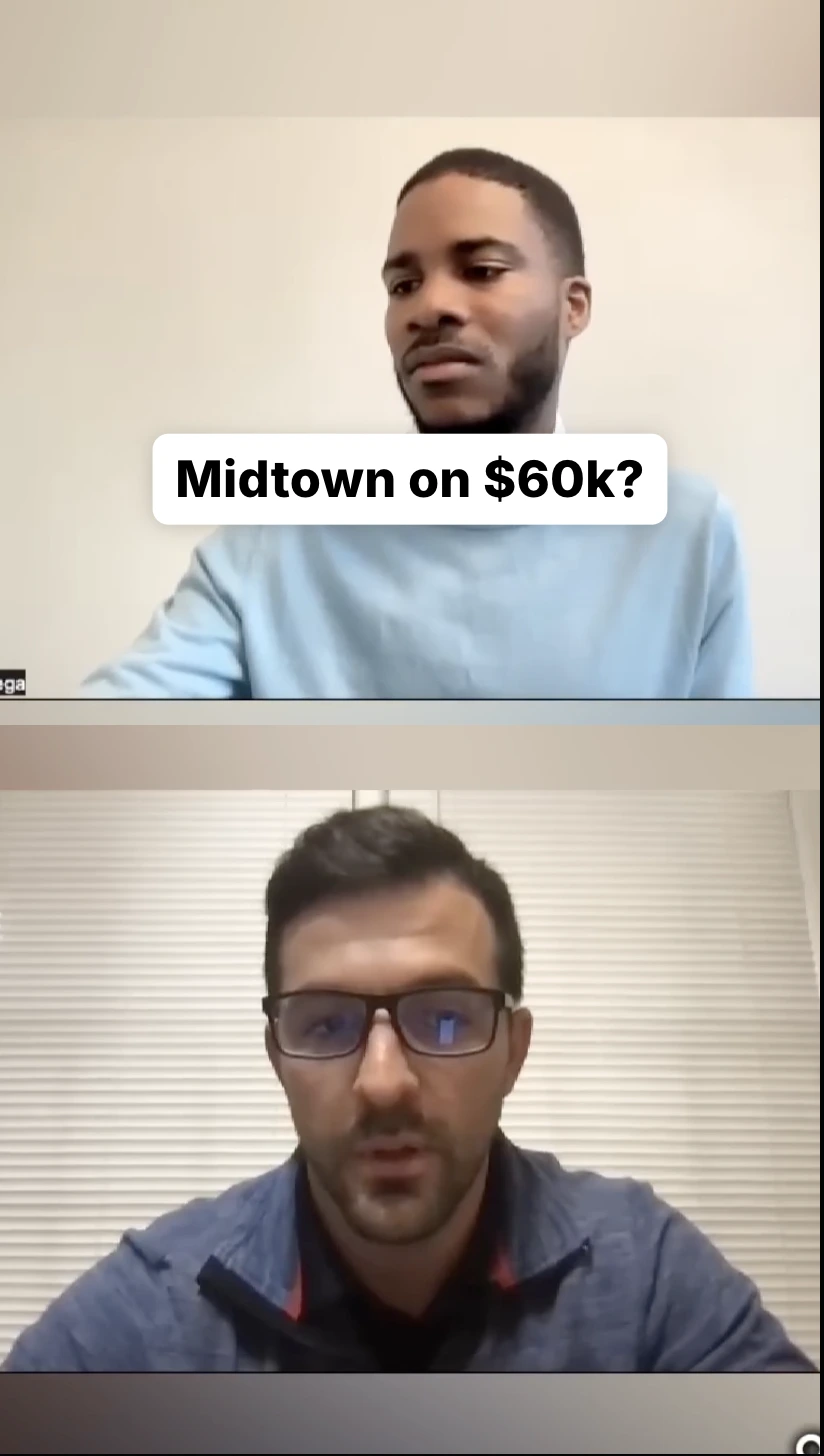
Go beyond highlights and prompt for exactly what you want. AI Clipping scans the full timeline and pulls matching moments.
Bytecap Moment Intelligence doesn’t generate clips and hope for the best. It evaluates each moment for hook, payoff, curiosity, pacing, and standalone value so the strongest candidates rise to the top.
Viral score
Source videos that turn into clips
Podcasts, tutorials, webinars, streams, interviews, founder updates, coaching calls, and gameplay all have moments worth posting. Magic Clips helps find them and turn them into platform-ready shorts.
Turn long conversations into the strongest arguments, stories, and guest moments.
Find high-energy moments, reactions, wins, fails, and visual highlights from long streams.
Pull clear teaching points from webinars, tutorials, lessons, and recorded calls.
Repurpose demos, founder updates, interviews, and thought leadership into short-form content.
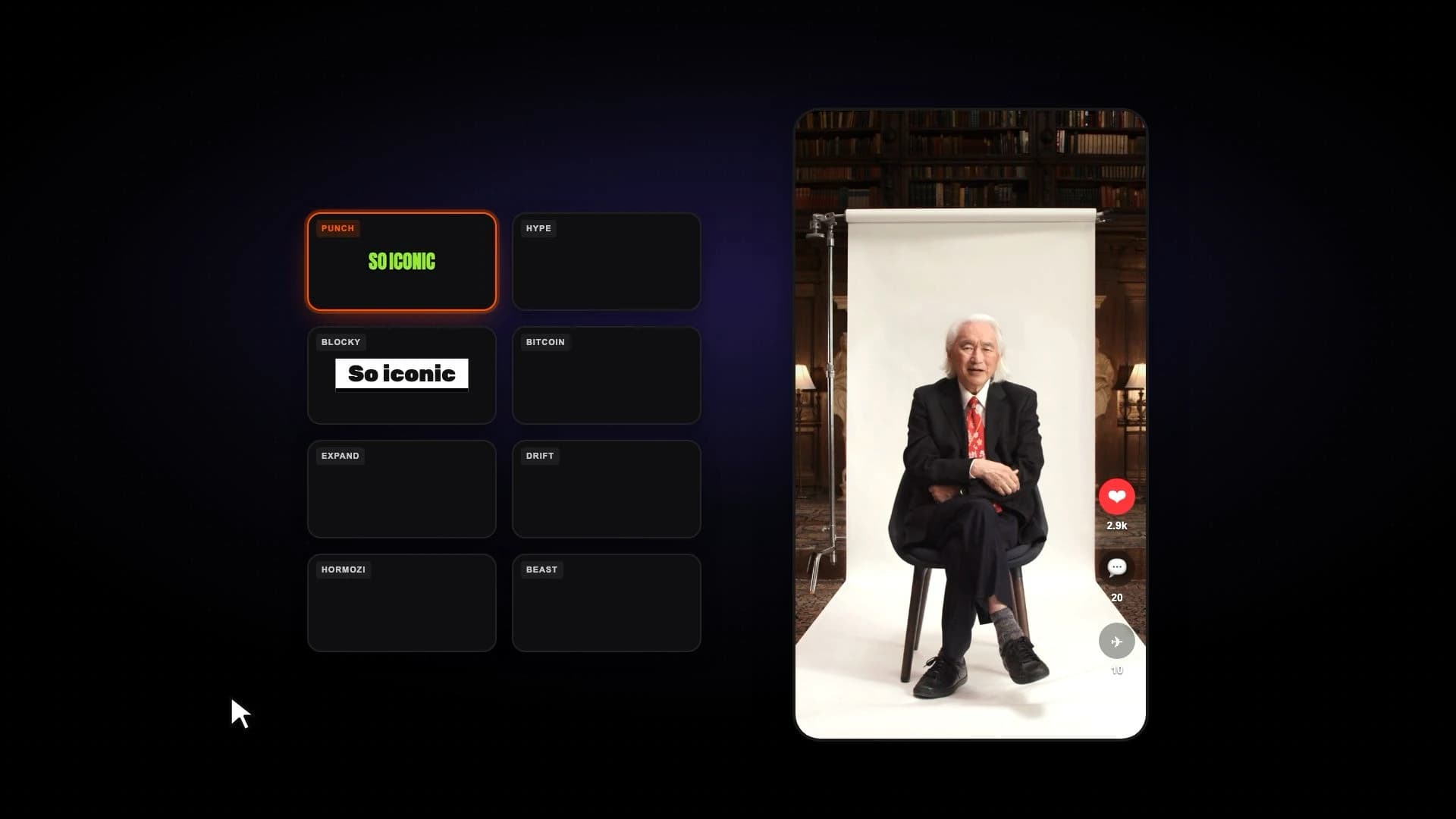
An AI powered drag and drop video editor for refining captions, removing silences, and adding hook titles, emojis, zooms, B-roll, music, overlays, and more in one easy workflow.

Instantly clean up 'ums' and 'ahs' to keep your message clear and professional.
Automatically detect and cut silent pauses for tight, engaging pacing.
Add dynamic zooms at key moments to maintain viewer attention.
Why buyers choose Bytecap
A clipping tool saves time in the editor. An automation workflow saves time every week. Bytecap is built for creators who want a repeatable system: source video in, platform-ready clips out, schedule filled.
Edit clips, captions, layouts, B-roll, and publishing in one workspace.
Post or schedule finished clips across YouTube, TikTok, Instagram, LinkedIn, and X.
Add accurate animated captions, highlighted words, and mobile-first caption styles.
Turn long YouTube videos into Shorts with captions, hooks, and vertical framing.
Create TikToks from long-form moments and publish them without extra upload steps.
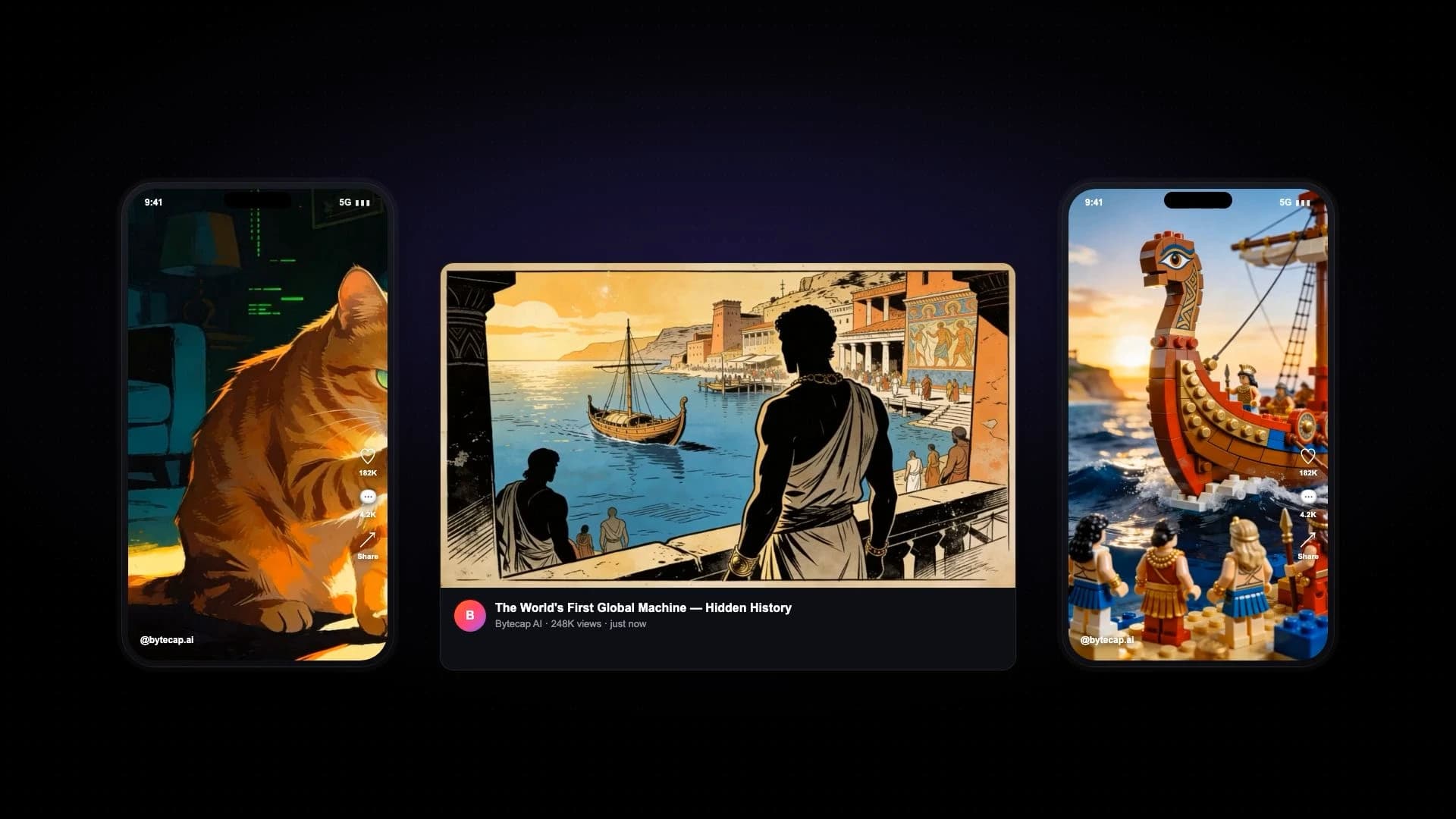
Create short-form videos from scripts, voiceovers, visuals, and captions.
Bring your long-form footage into one workspace for clipping, editing, captions, and publishing.
Get Started NowTry for free