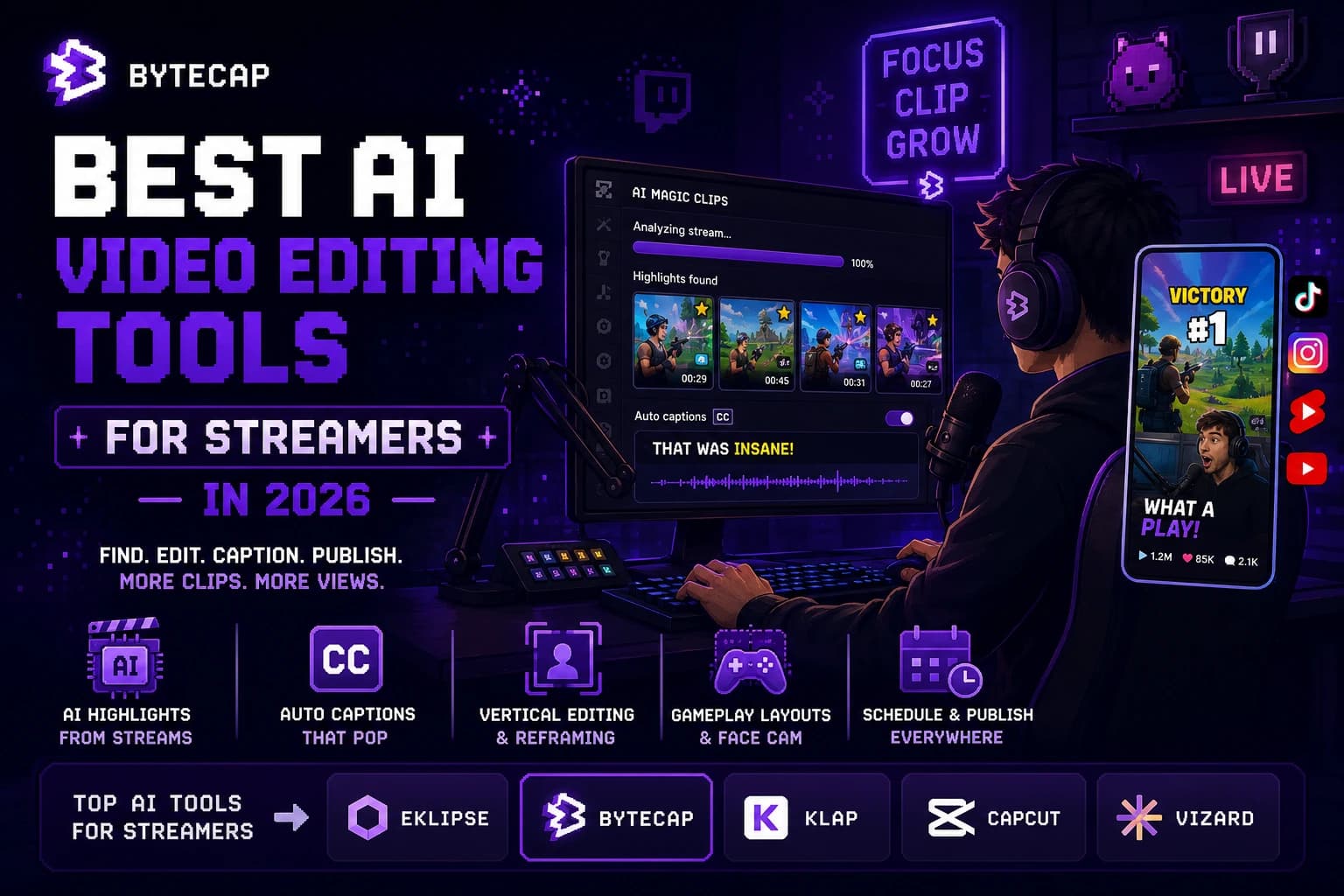
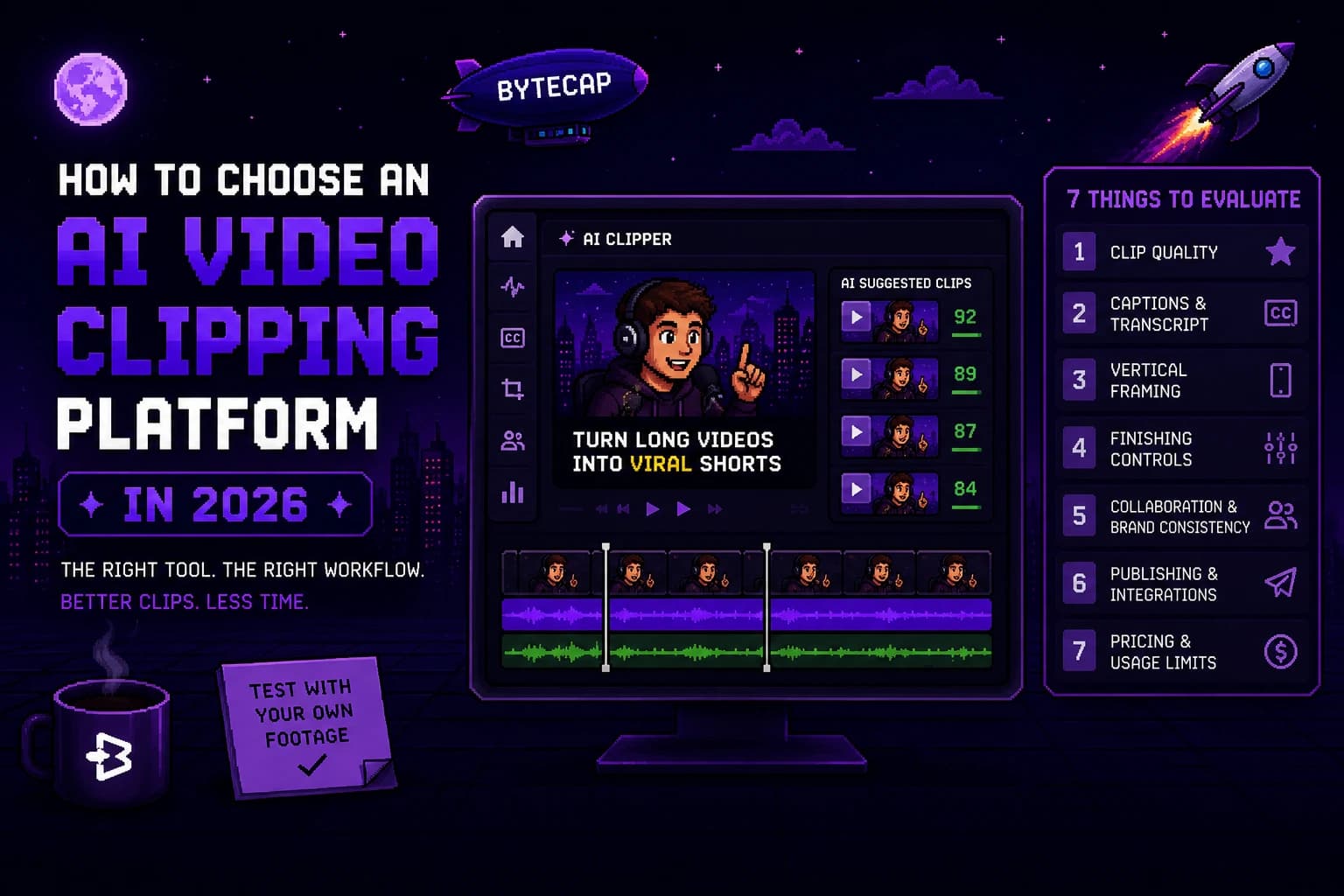
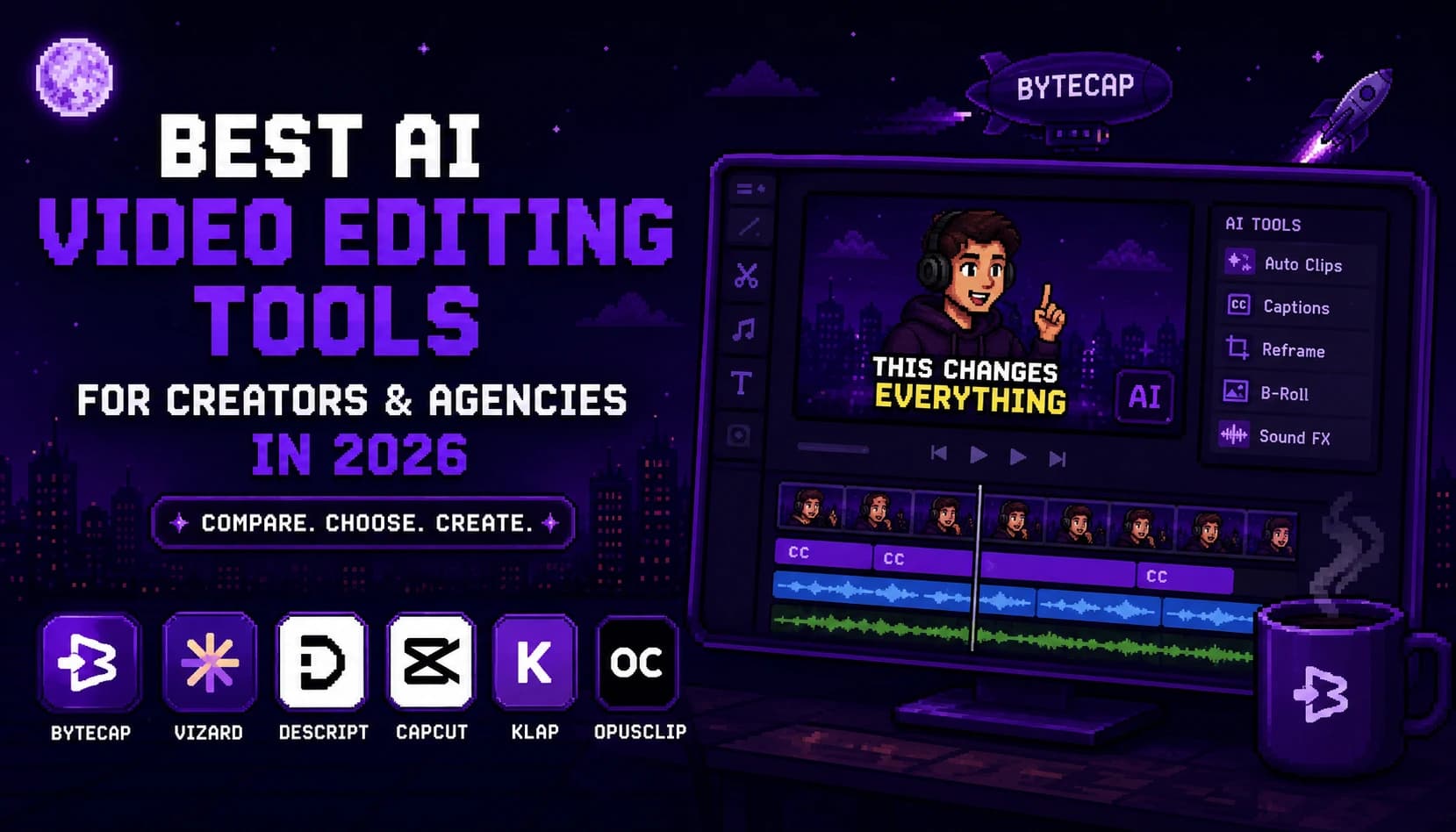
Best AI Video Editing Tools for Creators and Agencies in 2026
Compare AI video editing tools for creators and agencies in 2026. Learn which workflows fit long-form repurposing, transcript editing, brand consistency, client approvals, manual edits, and publishing.
By Ali Mansour
Quick answer
Creators and agencies should choose an AI video editor based on the entire production workflow, not a single headline feature. Bytecap is a strong fit for turning long recordings into captioned, vertical, edited content and moving finished work toward publishing. Vizard is worth testing for collaborative repurposing and brand-oriented social workflows. Descript fits transcript-heavy production. CapCut is a good option when an editor wants hands-on control. Klap and OpusClip are useful when the main need is first-pass clip discovery from long videos.
The correct choice changes with the team. A solo creator may value speed and flexibility. An agency may care more about consistency, review, permissions, client handoffs, and predictable usage costs.
The creator and agency problem is different
A creator often asks, "How do I make more good videos from the footage I already have?" An agency has a harder question: "How do several people create consistent, approved content for several clients without multiplying handoffs?"
Both groups can use AI for clip discovery, captions, reframing, first drafts, and repetitive formatting. Neither should hand final editorial judgment to an automated tool. Strong content still needs context, accurate claims, clean creative decisions, and review by someone accountable for the brand.
How to evaluate an AI editor for real production
Use the same evaluation criteria regardless of vendor:
| Criterion | Why it matters for creators | Why it matters for agencies |
|---|---|---|
| First-pass clip quality | Fewer hours searching recordings | More predictable workload across accounts |
| Caption and crop controls | Faster phone-ready posts | Fewer client revisions for basic mistakes |
| Brand controls | A recognizable creator style | Consistency across editors and clients |
| Editing depth | Avoid switching tools for routine fixes | Reduce asset and version confusion |
| Collaboration | Helpful as a creator grows a team | Essential for editor, reviewer, and client handoffs |
| Publishing workflow | Maintain a steady cadence | Coordinate channel-specific approvals and scheduling |
| Usage model | Match cost to recording volume | Forecast client volume, seats, and source minutes |
Updated July 10, 2026. This comparison is based on publicly documented workflows and should be validated with your own footage, team, and approval process before a purchase decision.
At a glance
| Tool | Best for | Primary strength | Main consideration |
|---|---|---|---|
| Bytecap | Long-form repurposing through publishing | AI clips, captions, reframing, visual editing, and publishing workflow in one place | Test the editing and approval flow with your real content types |
| Vizard | Collaborative social video repurposing | Clips, browser editing, brand tools, collaborators, and publishing options | Validate usage limits and team processes at your actual volume |
| Descript | Podcast, interview, and transcript-led production | Text-based editing, audio tools, and collaborative editing context | Pair with a short-form workflow if high-volume vertical clipping is core |
| CapCut | Manual social editing and templates | Direct timeline control and creative flexibility | Requires a separate process for systematic long-video discovery |
| Klap | Fast long-video clips from spoken content | Clip generation, speaker tracking, captions, and transcript editing | Test the polish and review workflow for client-facing output |
| OpusClip | Clip-focused repurposing | Long-video candidate discovery and short-form packaging | Review whether follow-on editing and distribution fit the team |
Best overall for a unified content workflow: Bytecap
Bytecap is a strong option for teams that want their short-form workflow to begin with existing recordings and end close to a publishable social post. Magic Clips helps identify short-form moments from long videos. The same product includes animated captions, face tracking and vertical reframing, B-roll, sound effects, editing controls, and publishing or scheduling tools.
For a creator, the benefit is less administrative drag between a raw recording and a finished batch of shorts. For an agency, the benefit is a more coherent process: editors do not need to export every candidate into separate caption, resize, and posting tools before a reviewer can assess it.
Bytecap is particularly relevant for:
- Creators repurposing podcasts, interviews, webinars, courses, or YouTube videos.
- Agencies producing recurring TikToks, Reels, and Shorts from client-owned long-form footage.
- Teams that need captions, layouts, visual polish, and publishing to sit in the same operating workflow.
- Editors who want AI to handle repetitive first-pass work while retaining manual control for the final creative decision.
The important test is whether the platform shortens your approved-output time. Bring a real client or channel project into a trial, including typical captions, brand requirements, feedback, and social destinations.
Best for collaboration and social distribution: Vizard
Vizard documents a browser-based AI video workflow with clip generation, editing, subtitles, custom fonts and brand tools, shared workspaces, and social publishing or scheduling. That makes it reasonable for a team that needs a collaborative environment around repurposing, not just a place to generate clips.
This can be a useful option for agencies that have a clear review process and want to give editors a shared workspace. Confirm the permissions, brand workflow, storage, social account limits, and source-minute economics before rolling it out across multiple accounts.
Best for editorial and transcript-driven teams: Descript
Descript is a strong fit for agencies and creators whose source material is mostly spoken. Its transcript-driven approach can make it faster to reshape a conversation, edit a podcast, remove filler, and collaborate on a narrative before it becomes a short clip.
Choose Descript when the foundational edit is editorial: remove an unhelpful answer, tighten an interview, correct a point, or improve audio. Pair it with a dedicated short-form workflow when the volume of captions, crops, vertical packaging, and publishing becomes the next bottleneck.
Best for manual creative direction: CapCut
CapCut remains practical for editors who want to control the timing and visual treatment of every short. It is useful for platform-native templates, manual effects, custom transitions, and the detailed adjustments that make a post feel deliberate instead of automatically generated.
For an agency, CapCut is best treated as a craft tool, not necessarily the entire operating system. The team still needs a documented way to find moments, move assets, apply the right brand treatment, collect feedback, and schedule approved work. Use it where detailed craft matters most, and avoid forcing every repetitive task into a manual timeline.
Best for quick first-pass clipping: Klap and OpusClip
Klap and OpusClip are worth including in a shortlist when the immediate problem is surfacing short clips from existing long-form footage. Klap documents clip generation, vertical reframing, captions, speaker tracking, a transcript editor, and publishing connections. OpusClip's materials describe a clip-focused workflow and a credit-based model for processing long videos.
They are relevant when you already have a preferred editor and publishing process. For agency production, test whether clips can reach a finished, on-brand state without repetitive export and re-import steps. The right answer may be a focused clipper plus an existing editing stack, or one broader platform that removes several handoffs.
The agency rollout test
Before you buy seats or migrate a client workflow, run a small production test:
- Choose one typical client project with realistic source footage and brand requirements.
- Ask one editor to create a first pass and a second person to review it.
- Track captions, crop changes, brand corrections, client comments, exports, and final posting preparation.
- Record every tool change and every time someone had to ask where the latest version lived.
- Compare the number of approved posts and total labor time with the team's current process.
This test will surface the operational issues a feature matrix cannot: missing source files, unclear ownership, difficult template reuse, client feedback in the wrong place, or an expensive usage limit at scale.
A practical operating model
For repeatable production, define the workflow before optimizing the tool:
- Ingest: Where does source footage enter, and who checks its rights and quality?
- Select: Who chooses candidate moments and what makes a moment publishable?
- Package: Which captions, layouts, fonts, logo treatment, and platform rules apply?
- Review: Who approves factual claims, brand fit, and final timing?
- Publish: Who owns captions, descriptions, destination channels, and scheduling?
- Learn: Which results are recorded so the next batch improves?
AI works best inside this structure. It removes repetitive production work while leaving editorial ownership where it belongs.
Frequently Asked Questions
What is the best AI video editor for agencies?
The best agency tool is the one that keeps a real client workflow organized from source footage through review and publishing. Bytecap and Vizard are strong platforms to test for integrated short-form production. Descript can fit transcript-first teams, while CapCut is useful for manual creative edits. Trial the tools with actual editors and reviewers before choosing.
What is the best AI video editor for content creators?
Creators should start with the bottleneck. Bytecap is a strong fit for turning long recordings into captioned, edited, vertical posts. CapCut is a good manual editing choice. Descript is useful for spoken-content edits. Klap and OpusClip can help when finding the first set of short clips is the hard part.
Can an agency use AI video tools without making everything look the same?
Yes, if the team uses templates and automation for repeatable production tasks while keeping human decisions for hooks, story, context, brand taste, and final approval. Automation should make consistency easier, not erase the differences between clients.
How should an agency compare AI video tool pricing?
Model a normal month of source minutes, reprocessing, editors, storage, social accounts, and client projects. Then confirm the current limits in the vendor's official plan documentation. Compare total operating cost and approved-output time, not the introductory price alone.
Sources checked
- Bytecap Magic Clips, Bytecap AI Video Editor, and Bytecap Brand Kit
- Vizard Video Editor and Vizard pricing
- Descript pricing and feature overview
- CapCut video editing software
- Klap AI Clip Maker and Klap pricing
- OpusClip plans and credits
Bottom line
For creators and agencies, the right AI video editor is the one that turns more of the existing content process into approved, on-brand posts without adding handoffs. Test Bytecap for a unified long-form repurposing and publishing workflow, Vizard for collaborative social production, Descript for transcript-centered editing, CapCut for manual craft, and clip-first tools when discovery is the only missing piece. Make the decision with a real production test, not a feature checklist alone.