How to Turn a 60-Minute Podcast Into 10 Shorts, Reels and TikToks
A step-by-step podcast repurposing workflow for finding strong clips, creating vertical videos, adding captions, and publishing ten useful short-form posts.
By Ali Mansour
One podcast episode can supply a week or more of short-form content—but only if you select complete ideas instead of chopping the recording into arbitrary pieces.
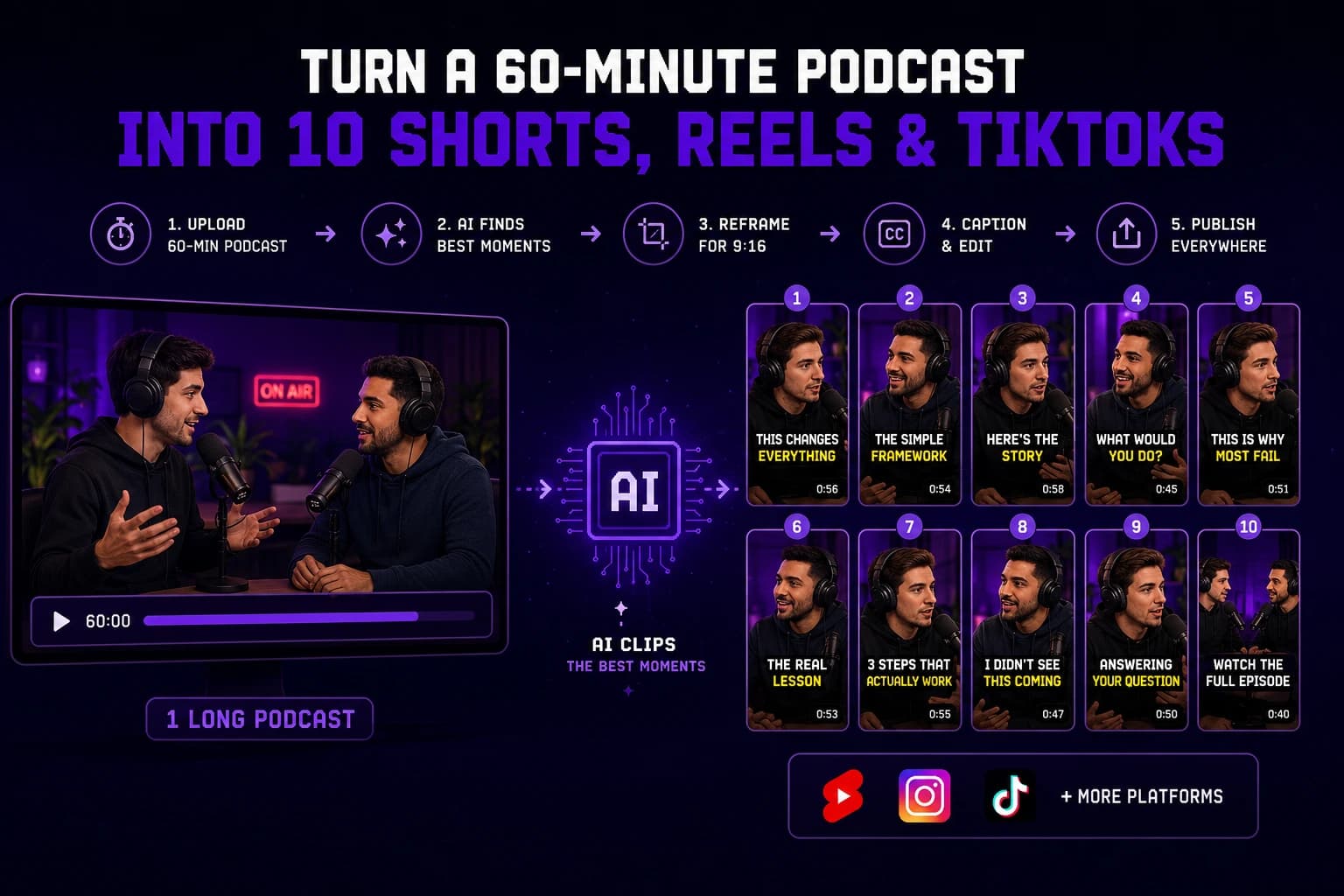
This guide shows how to turn a 60-minute video podcast into up to 10 YouTube Shorts, Instagram Reels, and TikToks. The exact number is a target, not a quota. If the episode contains six excellent moments, publish six excellent clips.
The 10-Clip Podcast Plan
Look for a mix of content roles rather than ten versions of the same quote:
| Clip type | Target | Purpose |
|---|---|---|
| Contrarian or surprising opinion | 2 | Earn attention and discussion |
| Practical lesson or framework | 2 | Deliver saveable value |
| Story with a clear payoff | 2 | Build connection and retention |
| Answer to a specific question | 2 | Capture search and problem-aware viewers |
| Memorable exchange or reaction | 1 | Show personality |
| Episode trailer | 1 | Promote the full conversation |
This mix gives you discovery clips, educational clips, and promotional clips without making every post feel like an advertisement.
Step 1: Record With Repurposing in Mind
Better source footage produces better clips. Before recording:
- Capture each speaker in the highest practical resolution.
- Use separate microphones when possible.
- Avoid placing important graphics at the extreme edges of a 16:9 frame.
- Ask questions that invite complete, specific answers.
- Leave a short pause after strong statements when natural.
- Say names and technical terms clearly.
You do not need to interrupt the conversation to manufacture hooks. You simply want clean audio and answers that can stand on their own.
Step 2: Upload the Full Episode
Upload the completed episode to Bytecap Magic Clips for podcasts or your preferred AI clipper. Choose the target language, aspect ratio, and approximate clip length.
For most podcast clips, 30 to 75 seconds is a useful starting range. Shorter is not always better. A clip needs enough setup to make the payoff understandable.
Step 3: Find Complete Ideas, Not Loud Sentences
AI can propose moments quickly, but a human should approve them. A publishable podcast clip usually has four parts:
- A reason to keep watching. A question, tension, claim, or clear promise.
- Enough context. The viewer can understand the subject without the full episode.
- A useful development. The speaker explains, demonstrates, or tells the story.
- A payoff. The clip ends after the lesson, reveal, or punchline.
Reject clips that depend on unseen context, misrepresent the speaker, repeat another clip, or stop just before the answer.
Step 4: Build a Candidate List
Do a fast first pass and save 15 to 20 candidates. Then narrow them to the best 10.
Score each candidate from 1 to 5:
| Criterion | Question |
|---|---|
| Hook | Would the intended viewer understand why this matters immediately? |
| Independence | Does the idea work without the full episode? |
| Payoff | Does the clip deliver what the opening promises? |
| Specificity | Is it more useful than generic advice? |
| Audience fit | Would a potential customer or follower care? |
Prioritize clips with strong audience fit and clear payoffs. A controversial clip may attract views while sending the wrong people to your business.
Step 5: Repair the Opening
Podcast speech often begins with filler: “Yeah, I think that’s a good question.” Cut to the first sentence that carries meaning, as long as the edit stays accurate.
If a clip still needs context, add a short on-screen title such as:
- “The mistake new podcast hosts make”
- “Why more content did not grow the business”
- “A 3-step system for better client calls”
Do not write a sensational hook that the clip fails to support.
Step 6: Reframe for 9:16
Convert the horizontal episode to vertical video and inspect every cut. The active speaker should remain visible, but constant automated zooming can feel distracting.
Use layouts intentionally:
- Single speaker: Crop around the active speaker.
- Two-person exchange: Use stacked or split-screen framing when both reactions matter.
- Screen demonstration: Reserve enough space for the screen content.
- Remote interview: Use a consistent layout rather than jumping between mismatched crops.
Magic Clips can combine clip discovery, vertical reframing, captions, and editing in the same workflow.
Step 7: Edit Captions for Meaning
Automatic captions need a human review. Check:
- Guest names, company names, and technical terms.
- Numbers, percentages, and currencies.
- Punctuation that changes meaning.
- Line breaks that separate related words.
- Caption placement over faces or platform controls.
Use emphasis sparingly. Highlighting every word removes the effect of emphasis.
Step 8: Give Each Platform a Reason to Show the Clip
You can reuse the same video, but adjust the packaging:
| Platform | Packaging priority |
|---|---|
| YouTube Shorts | Searchable title and a clear topic |
| Instagram Reels | Strong cover text and shareable takeaway |
| TikTok | Immediate opening and conversational caption |
Avoid embedding another platform's watermark. Keep a clean master and publish that version everywhere.
Step 9: Add a Relevant Call to Action
Match the CTA to the clip:
- Educational clip: “Save this checklist.”
- Strong opinion: “Do you agree?”
- Story: “Watch the full episode for the complete breakdown.”
- Product-related answer: “Try the workflow from the link.”
Do not send every viewer directly to a sales page. The CTA should be the natural next step after the content.
Step 10: Schedule the 10 Clips as a Series
Do not publish all ten on the same day. A simple two-week schedule is:
| Day | Clip |
|---|---|
| Monday | Strongest surprising opinion |
| Tuesday | Practical framework |
| Wednesday | Personal story |
| Thursday | Specific question and answer |
| Friday | Memorable exchange |
| Next Monday | Second opinion clip |
| Next Tuesday | Second framework |
| Next Wednesday | Second story |
| Next Thursday | Second Q&A |
| Next Friday | Episode trailer or recap |
With Bytecap, you can move from AI clipping into a broader scheduling and publishing workflow instead of managing ten isolated exports.
Measure Business Results, Not Only Views
Track each clip from publication to a useful outcome:
- Three-second and average watch time.
- Completion rate.
- Saves and shares.
- Profile or site visits.
- Signups or trials from the content.
- Activated users and purchases when tracking is available.
A 5,000-view clip that brings qualified users may be more valuable than a 100,000-view clip that reaches the wrong audience.
A Repeatable Weekly Workflow
Once the first episode is complete, standardize the process:
- Upload on recording day.
- Review AI candidates in one focused session.
- Approve a balanced clip mix.
- Batch caption and framing corrections.
- Write platform-specific titles and post copy.
- Schedule the series.
- Review performance before the next episode.
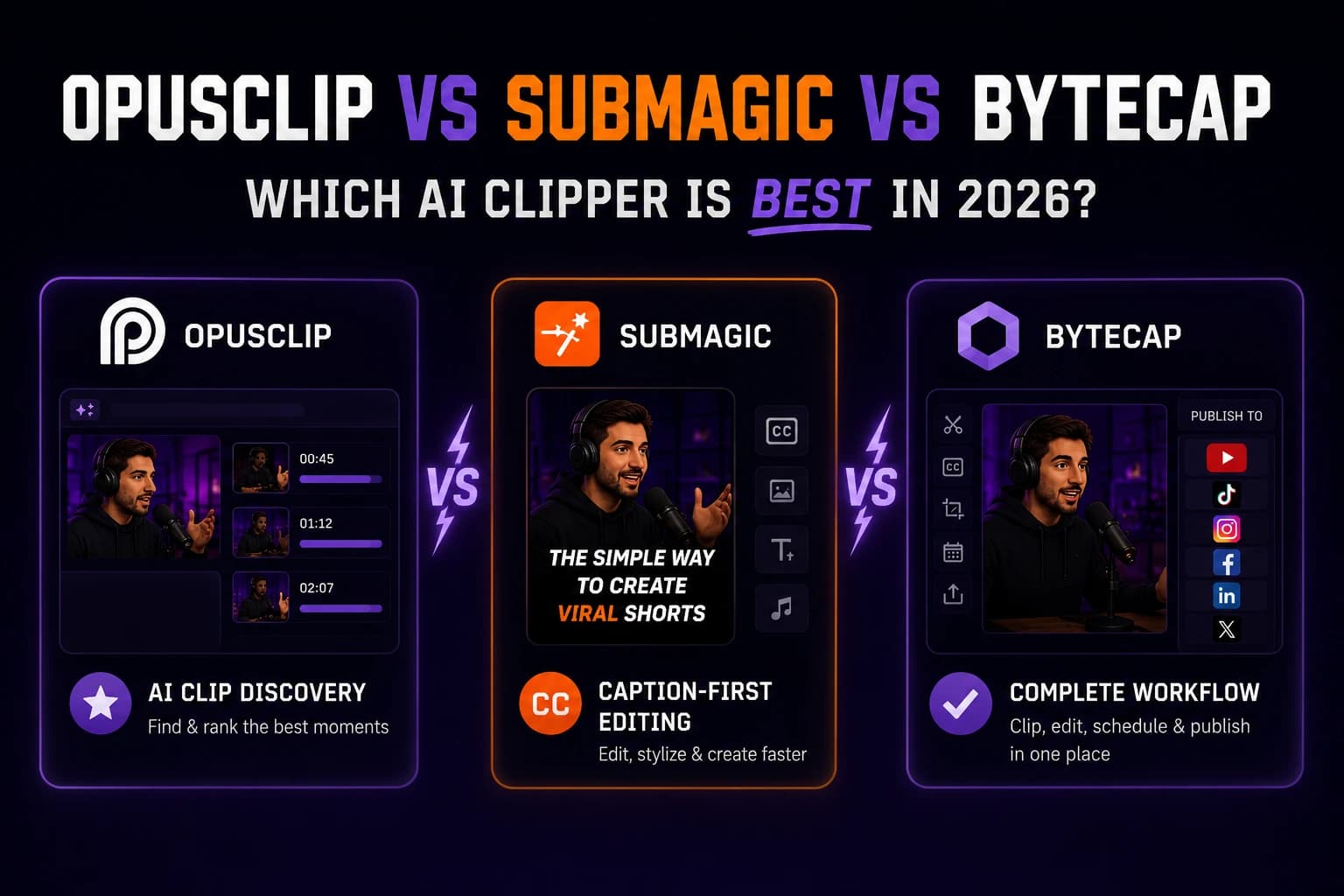
Use the AI video clipper benchmark if you are still choosing a tool, or compare OpusClip vs Submagic vs Bytecap for a narrower shortlist.
Frequently Asked Questions
How many shorts can I make from a 60-minute podcast?
Many information-dense episodes contain 5 to 15 useful short clips. Ten is a practical planning target, not a requirement. Publish fewer when the remaining moments repeat ideas or lack a payoff.
How long should a podcast clip be?
Use the shortest duration that preserves the complete idea. Many clips work between 30 and 75 seconds, but a strong 90-second explanation can outperform a confusing 20-second cut.
Can AI automatically find the best podcast clips?
AI can create a fast candidate list, but a person should verify context, accuracy, audience fit, and whether the clip represents the speaker fairly.
Should I post the same podcast clip on TikTok, Reels, and Shorts?
Yes, you can reuse a clean vertical master. Adjust the title, cover, description, and CTA for each platform, and avoid cross-platform watermarks.
What is the fastest way to repurpose a podcast?
Use one workflow for clip discovery, reframing, captions, editing, and scheduling. Batch the review and corrections instead of finishing each clip in a separate application.
Bottom Line
The goal is not to force ten clips from every podcast. It is to build a repeatable process that finds the episode's strongest ideas, turns them into clear vertical stories, and publishes them for the people most likely to become viewers, subscribers, or customers.
Try Magic Clips with your next podcast episode.