OpusClip vs Submagic vs Bytecap: Which AI Clipper Is Best in 2026?
Compare OpusClip, Submagic, and Bytecap for AI clipping, captions, reframing, editing, publishing, plan limits, and long-to-short workflows.
By Ali Mansour
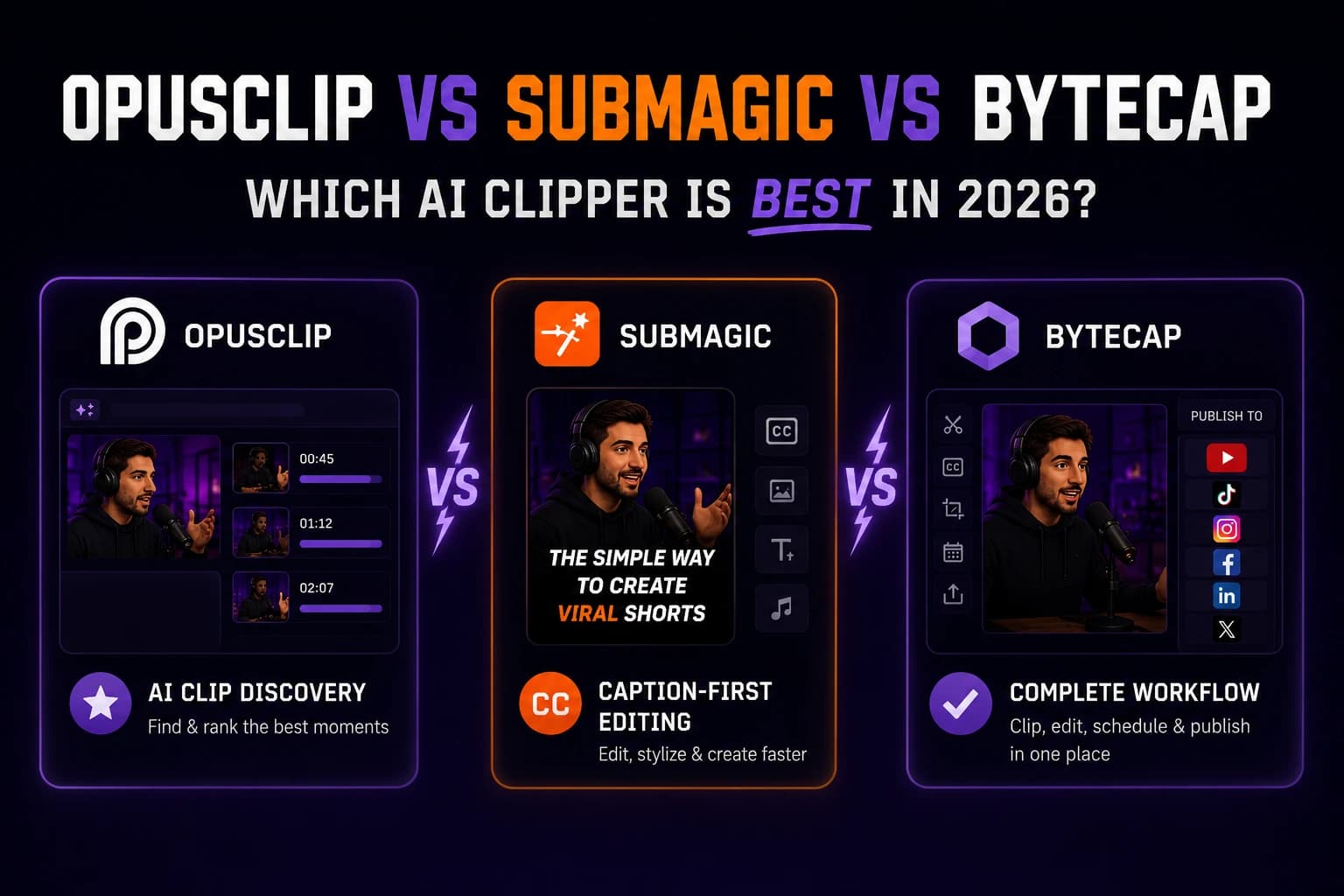
OpusClip, Submagic, and Bytecap can all help turn long videos into short-form content, but they approach the job from different starting points.
- Bytecap is built for an integrated workflow from clip discovery through captions, editing, scheduling, and publishing.
- OpusClip emphasizes automated clip discovery, scoring, reframing, and social distribution.
- Submagic emphasizes caption-led short-form editing and offers automatic clipping within its product and plan structure.
The best choice depends on what happens after the AI suggests a clip.
Disclosure and Comparison Method
Bytecap publishes this comparison. Competitor capabilities and plan information were checked against official OpusClip and Submagic pages on July 13, 2026. Features, limits, and prices can change.
This article does not present fabricated side-by-side performance scores. For clip quality, upload the same representative source to each tool and use the AI video clipper benchmark.
Quick Verdict
| Choose | When your priority is... |
|---|---|
| Bytecap | A connected clipping, editing, captioning, scheduling, and publishing workflow |
| OpusClip | Automated highlight discovery and ranked clip suggestions |
| Submagic | Caption-focused short-form editing with clipping available in the same product ecosystem |
If customer acquisition is the goal, do not optimize only for the number of generated clips. Choose the workflow that gets qualified content published consistently and lets you track what those viewers do next.
Feature Comparison
| Capability | Bytecap | OpusClip | Submagic |
|---|---|---|---|
| Long video to short clips | Magic Clips | AI clipping | Magic Clips |
| Vertical reframing | Included in the clip workflow | Auto reframe | Available within its short-form workflow |
| Captions | Animated caption and editing workflow | Animated captions, with plan-dependent options | A central product focus with templates and styling |
| Editing after generation | Integrated editor | Editor availability depends on plan | Short-form editor with plan-dependent features |
| Scheduling or publishing | Connected Bytecap workflow | Social posting and scheduling features vary by plan | Publishing is listed on eligible plans |
| Broader creation tools | Editing, hooks, social posts, cover images, scheduling, and more | Clip discovery, captions, B-roll, editor, and distribution tools | Captions, B-roll, hooks, trimming, audio cleanup, and related tools |
Treat this table as a shortlist, then verify the exact feature and limit on the plan you intend to use.
Bytecap: Best for a Connected Workflow
Bytecap Magic Clips is designed for teams and creators who want to do more than extract clips. The workflow connects long-to-short generation with vertical layouts, captions, editing controls, social post creation, scheduling, and publishing.
That reduces context switching. Instead of generating a clip in one tool, fixing captions in another, and scheduling it in a third, the work can stay connected.
Bytecap may fit you if:
- You publish to several short-form platforms.
- You want clipping and editing in one workspace.
- Your team also needs hooks, captions, cover images, or social copy.
- Operational speed matters as much as raw generation speed.
- You want a workflow built around finished, publishable posts.
Explore Bytecap vs OpusClip and Bytecap vs Submagic for the individual comparisons.
OpusClip: Best for Automated Clip Discovery
OpusClip's official plan page lists AI clipping with Virality Score, animated captions, reframing, editing, B-roll, and social publishing capabilities, with limits and availability changing by plan.
Its scoring model can help prioritize a large candidate list. But a score should assist human judgment, not replace it. The decisive question is how many top-ranked suggestions you would genuinely publish after reviewing context and brand fit.
OpusClip may fit you if:
- You process a high volume of long recordings.
- Automated moment discovery is your largest bottleneck.
- You want a suggested ranking for generated clips.
- Its plan limits and connected social accounts match your operation.
Before buying, check source length, monthly credits, watermark rules, editing access, storage, team seats, and social connections on the current plan.
Submagic: Best for Caption-Led Short-Form Editing
Submagic's product centers heavily on captions and short-form editing. Its official pages also list B-roll, hooks, trimming, audio cleanup, translation, brand controls, publishing, and Magic Clips, with availability and limits depending on the plan or add-on.
This makes it attractive when short-form polish is the main job and automatic clipping is part of that editing workflow.
Submagic may fit you if:
- Caption design is a major part of your style.
- You want B-roll, hooks, and short-form editing tools near the caption workflow.
- Your typical source duration fits the relevant plan.
- The Magic Clips access and pricing structure fit your publishing volume.
Before buying, verify maximum source duration, monthly video count, resolution, brand-kit availability, translation, publishing, and whether Magic Clips is included or added separately.
Pricing: Compare the Plan You Actually Need
Free or entry plans can be useful for testing, but they may not represent the production workflow.
OpusClip's official pricing page currently lists a free plan and paid tiers with differences in credits, watermarking, editing, storage, team access, B-roll, scheduling, and other capabilities. Submagic's page lists tiers that differ by video volume, source duration, resolution, editing features, publishing, and Magic Clips access.
Bytecap pricing and available features are shown on the current pricing page.
Do not compare the cheapest displayed prices without checking:
- How much usable source video the plan processes.
- Whether automatic clipping is included.
- Whether exports have a watermark.
- Maximum clip or source duration.
- Resolution and frame-rate limits.
- Number of users and social connections.
- Storage or project expiration.
- Scheduling and direct publishing.
Then include editing labor in the calculation:
cost per published clip = (subscription + cleanup labor) / clips actually published
Clip Quality: Run This 30-Minute Test
Product pages cannot tell you which model will understand your content best. Run a controlled test:
- Choose a 30- to 60-minute source representative of your normal work.
- Use the same target duration, language, and aspect ratio.
- Generate clips in all three tools.
- Hide the tool names while a second person reviews the outputs, if possible.
- Count only clips you would publish.
- Time caption, framing, and cut corrections.
- Record the total time until a post is ready or scheduled.
Score moment selection, cut quality, captions, reframing, editing control, cleanup time, and distribution. This prevents a visually impressive demo from outweighing your real production costs.
Best Choice by Use Case
For Podcasters
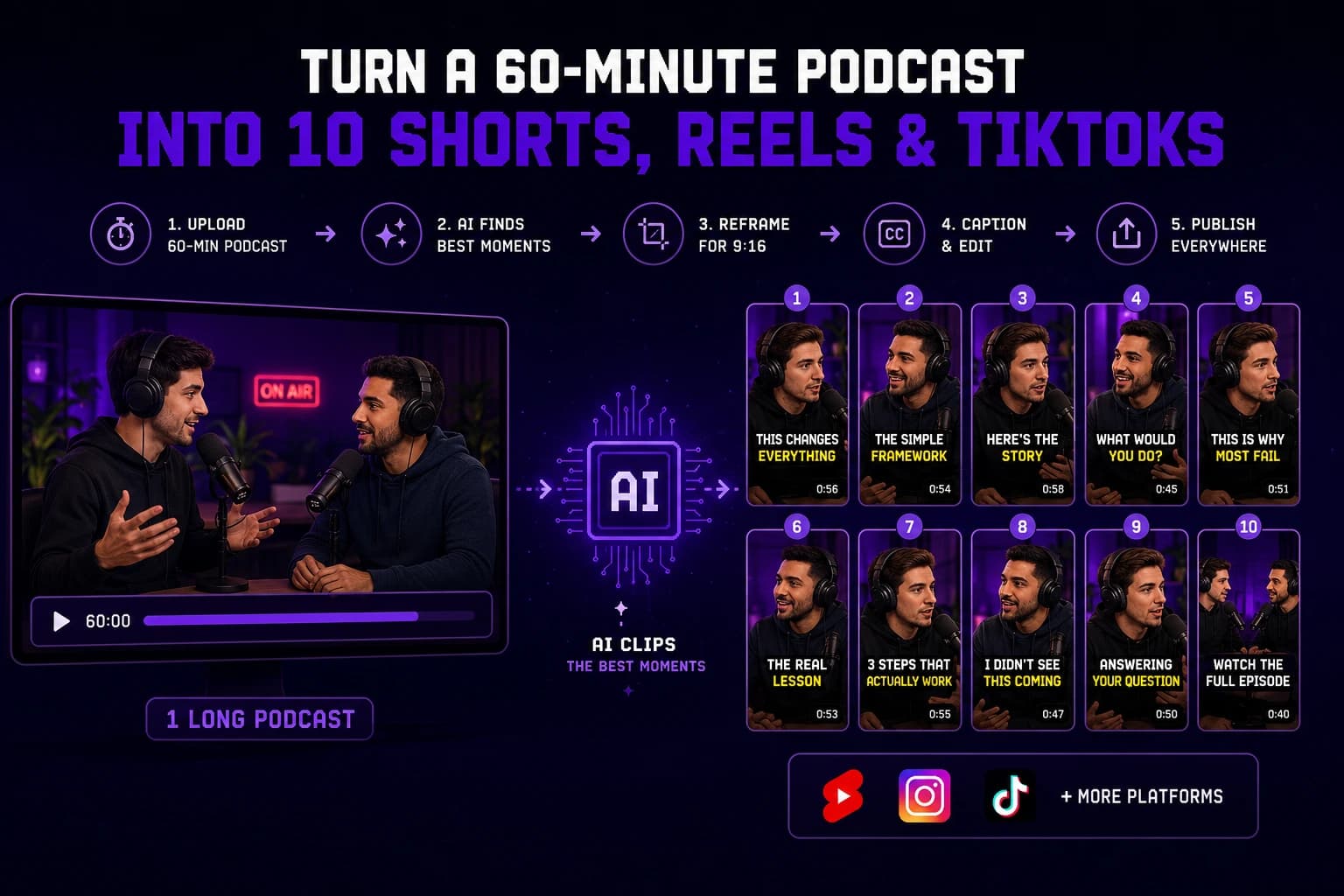
Prioritize standalone moment selection, speaker framing, caption accuracy, and fast review. Bytecap is a strong option when you want to move from the full episode through clips and scheduling. See the guide to turning a 60-minute podcast into 10 Shorts, Reels, and TikToks.
For Agencies
Measure team workflow, brand consistency, client revisions, monthly volume, and cost per approved output. Test with a difficult client source rather than your cleanest internal recording.
For Solo Creators
Choose the tool that removes the most steps you dislike. A simpler integrated workflow may beat a more specialized tool if it gets you publishing consistently.
For High-Volume Repurposing
Compare batch capacity, source limits, review speed, collaboration, scheduling, and the percentage of AI suggestions you approve. Generation volume alone is not a productivity metric.
Decision Checklist
Choose Bytecap if you want:
- One workflow from long video to edited and scheduled short-form content.
- Caption, layout, editing, and publishing tools connected to clipping.
- A broader content-production workspace.
Choose OpusClip if you want:
- Automated clip discovery as the primary job.
- Ranked clip suggestions such as Virality Score.
- Its current credit, team, and social-publishing structure.
Choose Submagic if you want:
- A caption-first short-form editing experience.
- Related tools such as B-roll, hooks, trimming, and audio cleanup.
- Its current Magic Clips and plan limits suit your sources.
Frequently Asked Questions
Is Bytecap better than OpusClip?
Bytecap is the stronger fit when you value a connected clipping, editing, captioning, scheduling, and publishing workflow. OpusClip may fit better when automated clip discovery and ranked suggestions are the main priorities. Test both with the same source.
Is Submagic better than OpusClip?
Submagic and OpusClip emphasize different workflows. Submagic focuses heavily on captions and short-form editing, while OpusClip emphasizes automated long-to-short discovery and scoring. The better choice depends on your cleanup process and plan requirements.
Which AI clipper is best for podcasts?
Choose the tool that consistently finds complete ideas, frames speakers correctly, produces accurate captions, and minimizes review time. A same-episode test is more reliable than a generic ranking.
Which tool is best for creating social clips and scheduling them?
Bytecap is designed to connect clip creation with a broader scheduling and publishing workflow. Competitor publishing features can vary by plan, so verify the platforms and limits you need.
Can I try all three before choosing?
Use available free plans or trials when offered, but make sure your test includes the paid capabilities your production workflow requires. Keep the source and scoring method consistent.
Sources
Competitor details were checked on the official OpusClip pricing page, Submagic pricing page, and Submagic product page on July 13, 2026.
Bottom Line
OpusClip is compelling for automated discovery, Submagic for caption-led short-form editing, and Bytecap for a connected path from long video to finished, distributed content. The right winner is the one that produces the most approved posts per hour from your actual footage.
Try the Bytecap workflow with one long video.