How to Plan and Schedule a Week of Shorts with a Video Content Calendar
Learn how to generate high converting hook titles and schedule a week of short form videos across platforms using ByteCap's AI Hook Title Generator and Content Calendar.
Link to this sectionHow to Plan and Schedule a Week of Shorts with a Video Content Calendar
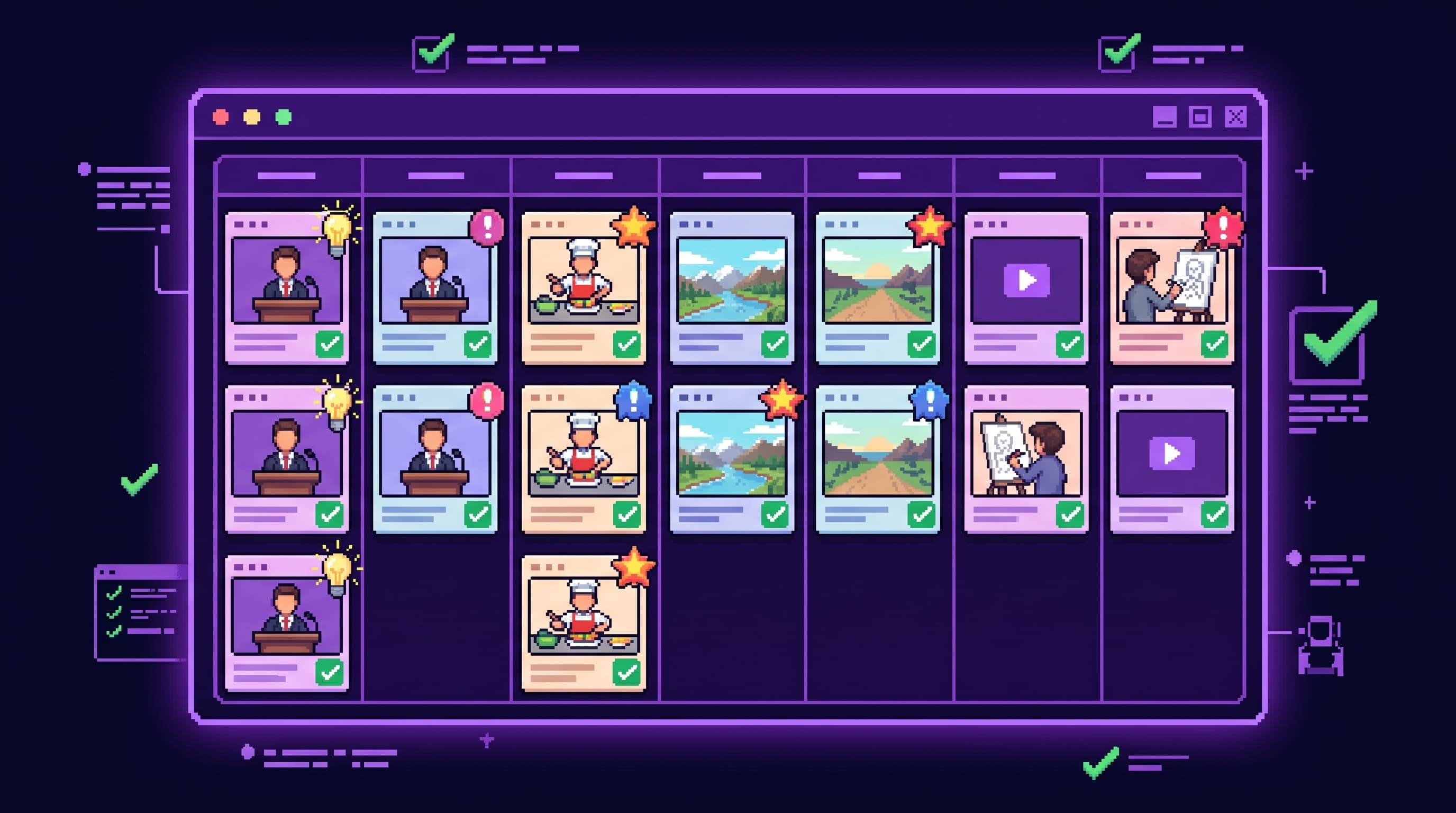
To plan and schedule a week of shorts using a video content calendar, you need to batch produce your short form clips, generate compelling hook titles that accurately represent the content, and schedule them across your social channels using an integrated publishing tool. Instead of manually uploading files to multiple platforms daily, you connect your accounts to a centralized calendar, upload your clips, assign specific dates and times, and let the system publish them automatically. This tutorial explains how to set up this workflow using ByteCap to organize a week of content in one sitting.

Link to this sectionWhy a Centralized Video Content Calendar Matters
Many creators fall into the trap of editing a video, opening TikTok, uploading it, writing a caption, and then repeating that exact process on YouTube Shorts and Instagram Reels. Doing this daily is a recipe for creative burnout. When you distribute content manually, you spend more time on copy paste administrative tasks than on actual video production. Managing multiple social channels without a system often leads to inconsistent posting schedules, which can hurt your visibility in social algorithms.
To build a sustainable channel, you need to transition from daily manual uploads to a structured weekly system. A dedicated video content calendar tutorial helps you bridge this gap. By dedicating one block of time to planning, writing hooks, and scheduling, you ensure that your channels stay active even when you are busy filming your next project. This consistent volume is critical because publishing regularly is the most reliable way to find your audience. You can read more about the math behind this approach in our guide on Why Posting 1 Video Is a Losing Strategy in 2026.
Link to this sectionThe Two Pillars of an Effective Calendar Workflow
A successful scheduling workflow relies on two main components: clear packaging and automated distribution.
First, you need strong hook titles. The first three seconds of a short form video determine whether a viewer swipes away or stays. A great hook title sets expectations, creates curiosity, and gives the viewer a reason to watch. However, writing these hooks manually for seven to ten videos at once can be mentally exhausting. Using an AI tool to generate ideas gives you a starting point, allowing you to choose the angle that best fits your footage.
Second, you need a unified calendar to handle the logistics. Instead of logging into three or four different creator studios, you should manage your queue from a single dashboard. This prevents errors, keeps your branding consistent, and lets you see your entire weekly strategy at a glance. For a deeper look at the time cost of manual publishing, see our analysis on how Posting the Same Short to 6 Platforms Manually Is Costing You 4 Hours a Week.
Link to this sectionHow to do this in ByteCap
Using ByteCap, you can move from raw clips to a fully scheduled week of content without leaving your workspace. Here is the step by step workflow to set up your video content calendar.
-
Connect your social accounts Before scheduling any posts, connect the social accounts you intend to publish to. You can link your platforms directly within the platform settings, which allows ByteCap to route your scheduled videos to the correct channels automatically.
-
Prepare your clips and post details Prepare the finished clip and platform specific post details. Ensure your video is fully edited, formatted for vertical viewing, and ready for your audience. Write down any specific hashtags, descriptions, or user tags you want to include for each platform.
-
Generate hook titles Navigate to the title tool and generate hook title options for a finished clip. The AI Hook Title Generator will analyze your content and provide several angles designed to capture viewer attention in the first few seconds of playback.
-
Select and apply your hook Select an option that accurately represents the clip instead of overpromising. Avoid sensationalized clickbait that frustrates viewers. Once you have chosen the best fit, use the selected hook in the video package or platform post copy to give your audience immediate context.
-
Schedule your posts in the Content Calendar Choose publish now or assign a date in the content calendar, then review scheduled posts. Spread your clips across the week at times when your audience is most active. Always do a final visual check of your calendar queue to ensure the correct videos are lined up for the right days.
Link to this sectionBest Practices for Weekly Video Scheduling
While automation handles the heavy lifting, successful creators know that a human touch is still required. Before any video goes live, take a moment to review the entire package.
- Verify Platform Specific Copy: What works on TikTok might need a different tone on LinkedIn or X. Make sure your captions match the platform culture.
- Review Caption Accuracy: If your video uses auto generated captions, read through them to catch any spelling errors, brand names, or technical jargon that the AI might have misheard.
- Align Hooks with Content: Ensure the hook title you selected matches the actual payoff in the video. If viewers feel misled, they will swipe away instantly, which signals the algorithm to stop recommending your clip.
By maintaining this balance of automated scheduling and manual review, you can scale your output without sacrificing the quality of your brand. If you want to explore how this works across different networks, check out our guide on [Cross Platform Video Publishing & Scheduling: Publish to TikTok, YouTube, LinkedIn & X in One Click](https://www.bytecap.io/blog/cross-